Mastering IT Management Platform Selection for Enterprise Leaders

Why the right IT management platform matters for enterprise leaders
Today, running a big business means dealing with a lot of different computer systems. Think about all the things your company uses: the internet setup, all the different apps, and keeping everything safe from online threats. It’s like having many separate puzzle pieces that don’t quite fit together. This makes things very complex.
In 2026, enterprise leaders face a big challenge: how to manage all these moving parts easily.

They need a way to bring everything under one roof. Without a good plan, managing all these parts can slow things down and make it hard for businesses to grow. For example, keeping up with Top 10 Enterprise Technology Trends for 2026 can be tough when your systems are not connected. Many companies are now looking to combine their tools into single, powerful platforms to make things simpler and safer, as noted in 2026 IT trends research that shows security is evolving fast for businesses Trend #4: Security Evolves….
This is where a strong IT management platform comes in. It’s like a central control panel that helps you oversee everything. It connects your computer networks, software, and security tools. This kind of platform is crucial because it helps with things like enterprise automation and making sure your systems work smoothly. In fact, more and more, these platforms are using AI to become "autonomous," meaning they can run and fix many issues on their own, making things easier for IT teams. New research from 2026 shows that enterprises are relying on these platforms more and more as AI becomes common and IT systems grow more complex AI Moves IT Management Platforms Toward Autonomy, ISG says.
Over the next sections, we will walk you through how to pick the best IT management platform for your business. We will share practical tips and facts to help you choose, set up, and see the real benefits of such a system. You will learn how to make smart choices that help your company succeed, whether you are dealing with business analytics or choosing the best manufacturing ERP system.
To keep up with the fast-paced world of technology and AI, consider signing up for insights delivered right to your inbox.
Get clear daily AI updates from The AI Newsletter Worth Reading.
1) Market landscape: vendors, consolidation, and buyer categories
Now that we know why an IT management platform is so important, let’s look at the big picture of who makes these tools and what’s happening in the market today. It’s like checking out all the different car models before you buy one.
In 2026, you’ll see a few main types of companies offering an IT management platform:
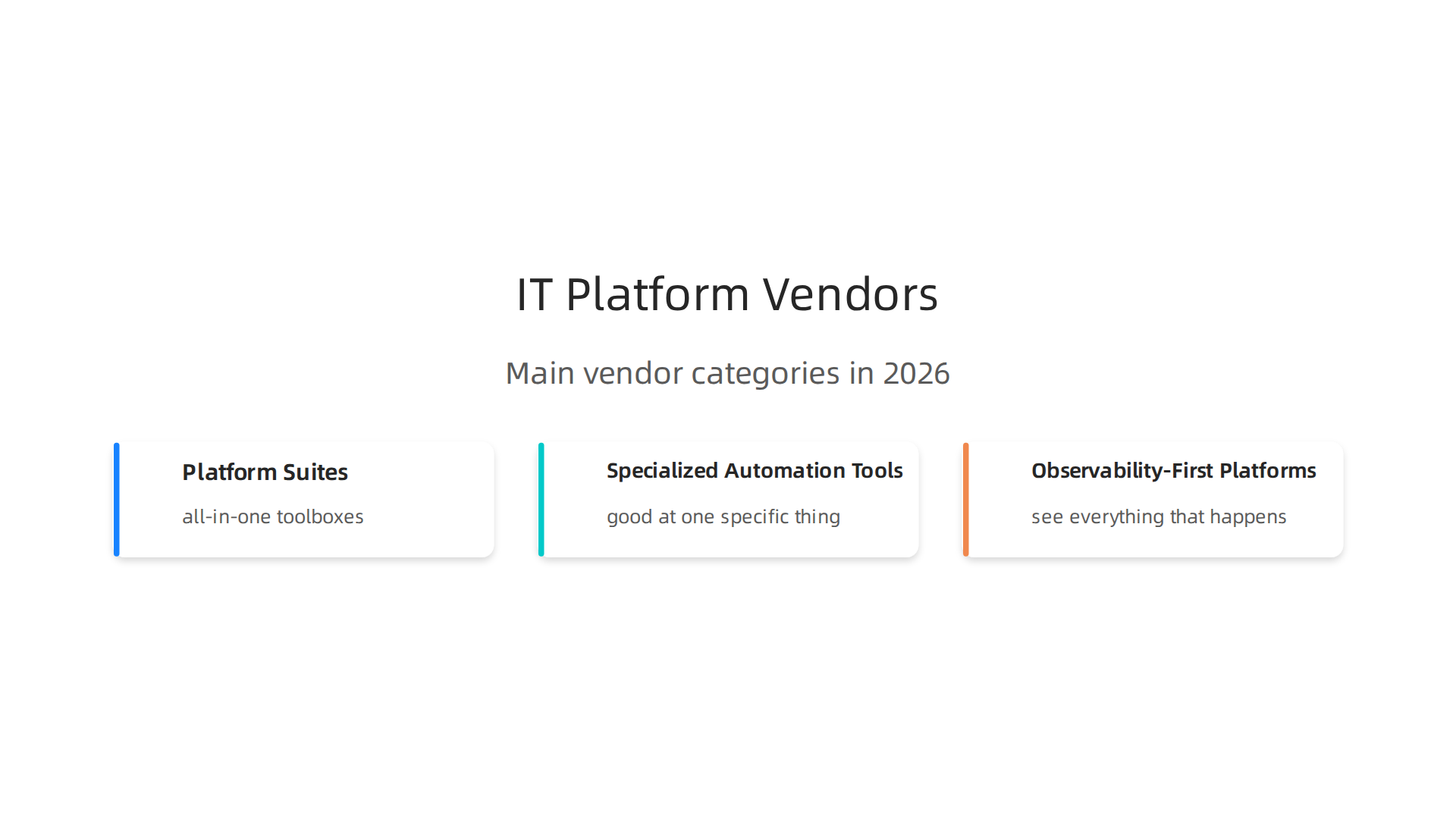
- Platform Suites: These are like all-in-one toolboxes. They try to do everything for you, from watching your systems to fixing problems automatically. They are good if you want one main system for most of your IT needs.
- Specialized Automation Tools: These tools are very good at one specific thing, like handling all your backups or making certain tasks run on their own. They help with specific business automation tools and can be added to your existing setup.
- Observability-First Platforms: These platforms are focused on letting you see everything that happens in your computer systems. They help you understand how things are working in real-time so you can find and fix problems quickly.
One big thing happening in 2026 is that many technology companies are buying and merging with each other. This is called "consolidation." It means there might be fewer, but larger, companies selling IT management platform solutions. For example, the first half of 2026 saw a lot of activity in technology mergers and acquisitions, with a focus on high-value deals Technology M&A update: H1 2026. This trend has been shaping the market for some time, with strong interest in areas like AI, cloud, and cybersecurity companies Technology M&A: Key Trends and Structuring Considerations.
This consolidation can be a good thing for you as a buyer. When a big company buys a smaller one, it often means the smaller company’s tools get better support and more features. It can also mean more stability, reducing the long-term risk of your chosen vendor going out of business. This is especially true for enterprise software companies and those in the manufacturing ERP space, where bigger platforms are increasingly desirable.
It’s clear that understanding these market changes is important. When you pick an IT management platform, you’re not just buying a tool, you’re picking a partner for your business. Knowing the market helps you choose a partner that will be around for the long run and grow with you. This also ties into looking at all the different parts of your company’s tech setup, which are often called enterprise technology domains.
Choosing an IT management platform is a big step, and you want to make sure you pick the right one. It’s not just about what looks good; it’s about what works best for your specific needs. To do this, you need a clear way to measure each option. Think of it like a checklist you use when buying something important.

Here are the main things to look at when you’re picking an IT management platform:
- What It Covers: Does the platform manage all the parts of your IT system you need it to? This includes your computers, networks, software, and even how your teams work. A good platform should cover everything from watching your systems to making sure they are safe. You can find out more about key areas to look at in "Evaluating Enterprise IT Management Platforms" Evaluating Enterprise IT Management Platforms.
- How Much It Automates: Can the platform do tasks on its own? The deeper the automation, the less manual work your team has to do. This is key for business automation tools to free up your staff for bigger tasks.
- How Well It Connects: Your business probably uses many different computer programs. Can the new IT management platform talk and work well with your existing tools? This is called "integration." If it doesn’t integrate well, you could end up with more headaches. When looking at tools, check their "integration ecosystem" to see how many and what kinds of connections they offer, as discussed in a guide on How to Evaluate Enterprise AI Platforms.
- How Safe It Is: Security is super important. Does the platform keep your data and systems safe from bad actors? Look for strong security features, like how it controls who can access what, and if it keeps clear records of actions. This also includes making sure it follows important rules and laws, which is known as its "security posture." For deeper insights into vendor security, consider the questions raised in "Critical Event Management Software RFP: Key Vendor Questions" Critical Event Management Software RFP: Key Vendor Questions.
- The Full Cost (TCO): The price tag isn’t the whole story. You need to think about the "Total Cost of Ownership" (TCO). This includes the setup cost, monthly fees, training, and any extra tools you might need. Also, consider the company selling the platform. Is it stable? Will it be around in a few years? This is called "vendor viability." Big companies often look at this by checking overall viability and market responsiveness, as detailed in the "Gartner Magic Quadrant vs Forrester Wave: The 2026 Buyer’s Guide" Gartner Magic Quadrant vs Forrester Wave: The 2026 Buyer’s Guide.
A Simple Way to Score Your Options
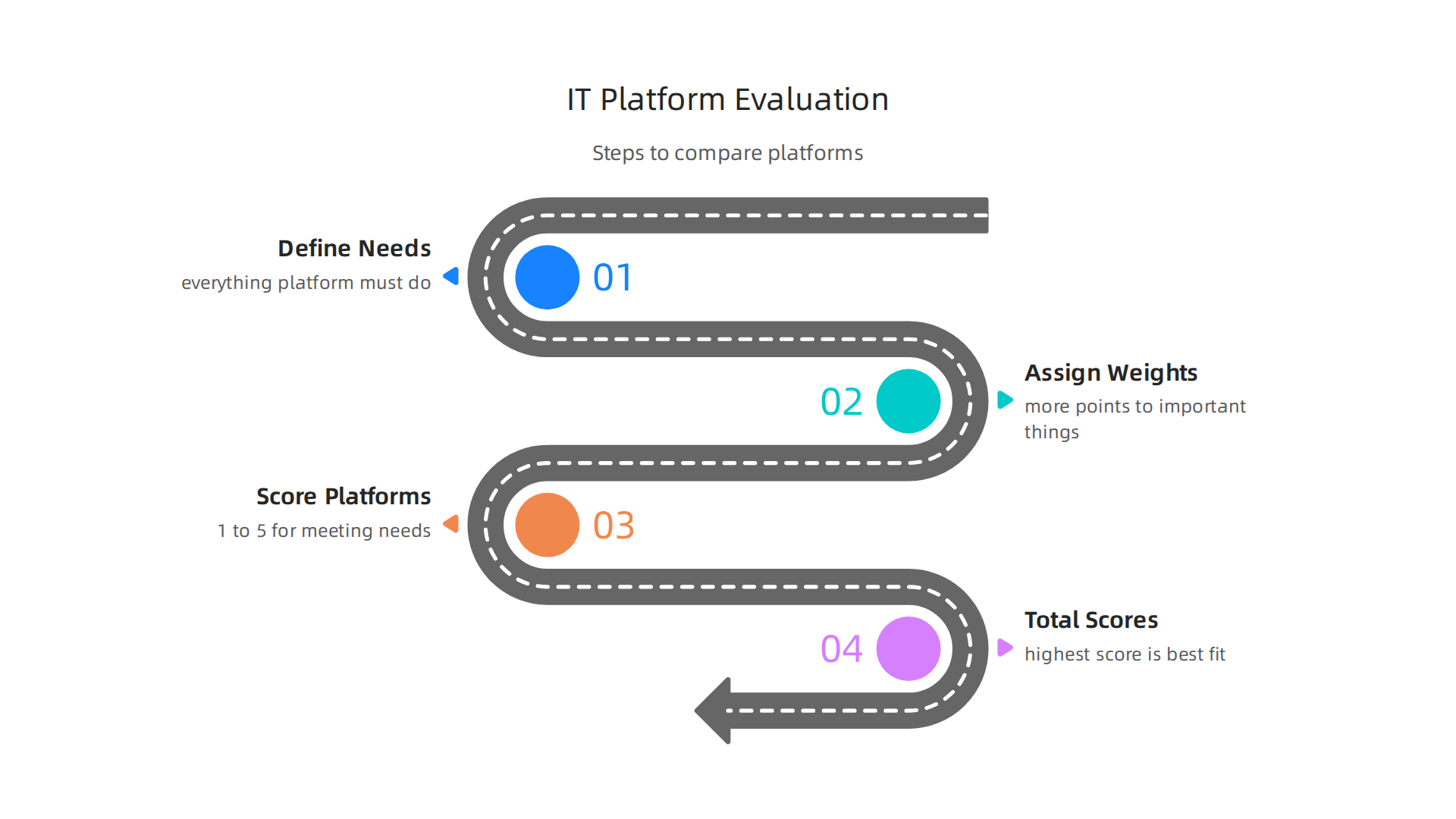
To compare different IT management platforms fairly, it’s a good idea to create a scoring framework.
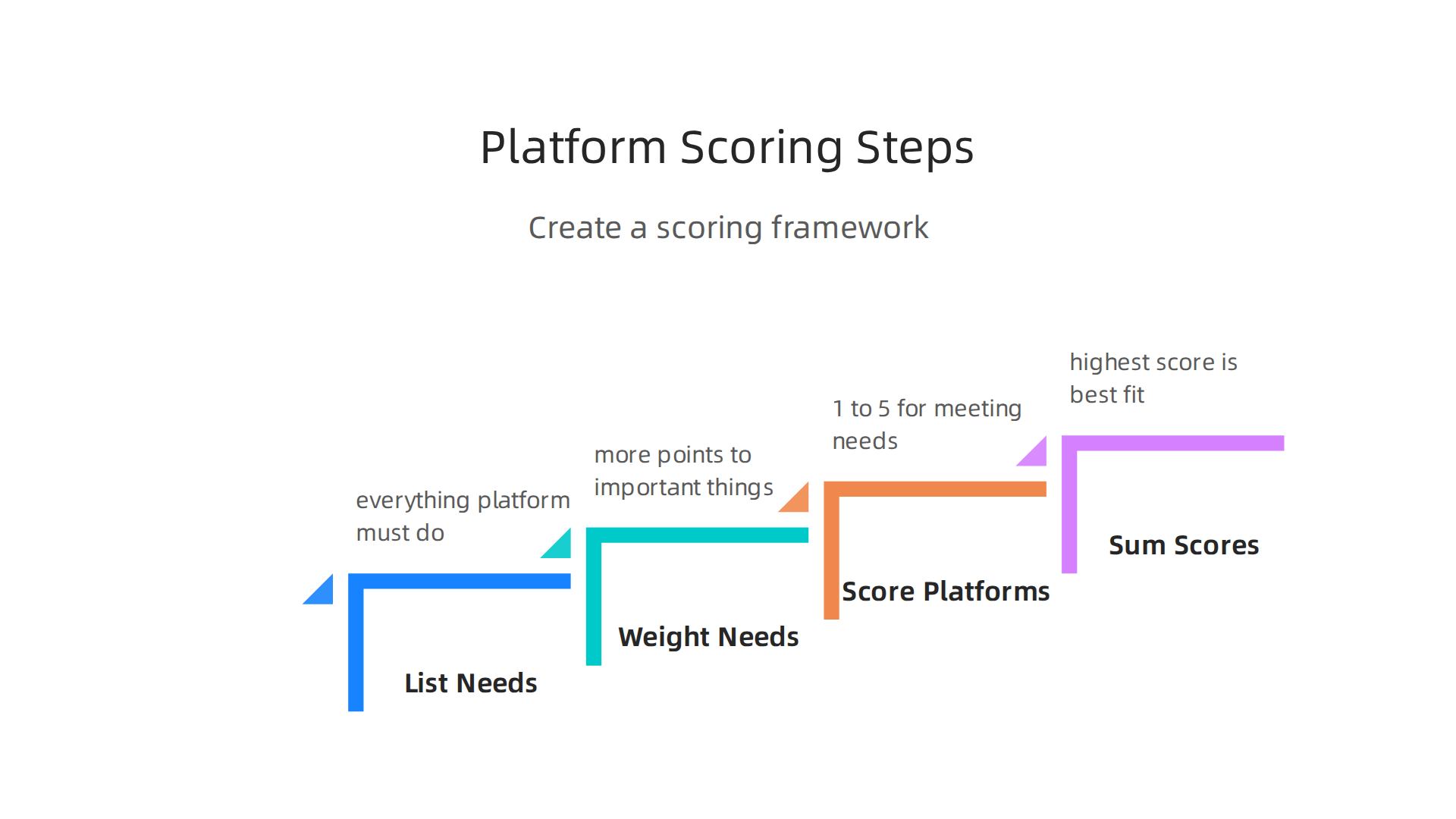
This is like giving points to each platform based on how well it meets your needs.
- List Your Needs: First, make a list of everything you need the platform to do. For example, if you’re in manufacturing ERP, you might need strong inventory tracking.
- Give Each Need a Weight: Not all needs are equally important. Give more points to the things that matter most to your business. For instance, security might get a higher score than a fancy color scheme. Many businesses use weighted scorecards, putting more emphasis on important factors like functional fit or compliance B2B Buyer’s Guide to Assessment Platforms. You can allocate 100 points across different areas and then score each vendor for how well they perform in each area Enterprise Software Selection Playbook – 2026.
- Score Each Platform: For each platform you’re looking at, give it a score (say, 1 to 5) for how well it meets each need. Then, multiply that score by the "weight" you gave to that need.
- Add Up the Scores: The platform with the highest total score is likely the best fit for your company. This helps your procurement and technical teams make a choice based on facts, not just feelings. This approach aligns with best practices for supplier selection, which emphasize defining business needs and creating weighted scorecards before engaging vendors Step 6: Negotiate And Award.
Remember, the goal is to choose a partner that will help your business grow and stay strong in 2026 and beyond. Making smart choices for your IT management platform means looking at the full picture.
Knowing how to evaluate technology platforms is a crucial skill for any business leader today, especially with how fast things change. If you want to keep up with the latest in technology and AI, consider subscribing to our newsletter.
Get clear daily AI updates from The AI Newsletter Worth Reading.
After you have a clear way to score different options for an IT management platform, it is time to look closely at a major benefit they offer: automation and orchestration. These are fancy words for making computer tasks happen on their own and managing them in a smart way. Good automation helps your business run smoother and grow.
Automation and Orchestration: Patterns That Scale
A top-notch IT management platform will automate many tasks that your team used to do by hand. This saves time and helps avoid mistakes. When automation can handle more and more tasks as your business grows, we call that "scaling." Here are some common ways automation works:
- Policy-Driven Automation: Imagine setting rules, like "if a computer gets too slow, restart it." Policy-driven automation follows these rules without someone needing to press a button. It ensures everything stays within your company’s set guidelines automatically.
- Event-Driven Workflows: This is like a chain reaction. When one thing happens (an "event"), it triggers another action. For example, if a server runs out of space (the event), the system might automatically clean up old files or send an alert to your team to add more space. These workflows are key for efficient business automation tools.
- Infrastructure-as-Code (IaC) Orchestration: This means you describe your entire computer system (like servers and networks) using code. Then, the platform uses this code to set up and manage everything. This is a very powerful way to make big changes or set up new systems quickly and without errors. Experts say that using "policy-as-code" can even help with things like making sure your data is private and secure Enterprise Observability: Integration & ROI (2026).
Scaling Automation Safely
To make sure your automation helps rather than harms, you need to set things up smartly.
- Testing is a Must: Just like you’d test a new car before driving it on a long trip, you must test automated tasks. Make sure they do exactly what you want them to do and nothing else. This helps prevent unexpected problems in your IT systems.
- Rollback Plans: What if an automated task goes wrong? You need a "rollback strategy." This is a clear plan to undo any changes quickly and easily. Think of it as an "undo" button for your IT systems. Having this plan keeps your systems safe and stops small errors from becoming big headaches.
Using these kinds of automation and orchestration patterns in your it management platform allows your company to handle more work with fewer manual steps. This frees up your employees to focus on bigger challenges, like improving business analytics or developing new ideas. It’s a critical part of how businesses manage technology today. Understanding how to build and maintain these automated systems is a big part of what’s called Platform Engineering in 2026.
Moving from making things run smoothly with automation, let’s talk about something equally important: keeping everything safe and secure. When you pick an IT management platform, checking its security, how it helps with rules (compliance), and how it deals with risks is super important.

A strong IT management platform doesn’t just make work easier; it also protects your company’s important information and keeps you safe from problems.
Key Security and Compliance Checks
When looking at different IT management platforms, you need to verify specific controls that act like digital guards for your data.
- Access Controls: This means making sure only the right people can get to certain parts of the system. Imagine a locked door; only those with the key can enter. Your IT management platform should let you set clear rules about who can see, change, or delete information. This helps stop unauthorized access.
- Auditability: This is about keeping good records. The platform should be able to show you who did what, and when. If something goes wrong, you can look at these records, like a security camera replay, to understand what happened. This is key for proving your company follows rules, which is part of Cloud Security Compliance 2026.
- Data Residency: This refers to where your data is stored physically. For many businesses, especially those in healthcare or government, rules like HIPAA might say your data must stay in a certain country or even a certain type of data center. Choosing a platform that can store data where you need it, often through a hybrid cloud approach, helps meet these strict rules. Experts suggest using a Hybrid Cloud for Compliance helps align with many requirements.
Checking the Vendor’s Security and Following the Rules
Beyond the features of the platform itself, you also need to look at the company that makes the platform. This is called assessing the vendor’s security. You want to know they take security seriously too. Ask about their own security practices and how they protect their systems and your data.
Your chosen IT management platform must also help you follow important rules and laws. These rules might be for your industry or region, like the NIST Cybersecurity Framework, which provides guidance for managing cybersecurity risks NIST Cybersecurity Framework. For government agencies in the US, for instance, there are rules like FISMA and FedRAMP that set standards for cloud services. Knowing if a platform helps with A 2026 Guide to FISMA Compliance is crucial for some businesses. These frameworks are constantly updated, with things like FedRAMP 2026 bringing new ways to prove security.
Picking the right IT management platform means finding one that not only automates your tasks but also acts as a strong guardian for your data. This helps you manage risks and stay in line with all necessary rules, ensuring your business stays safe and trustworthy. Understanding the security setup of any new system, from enterprise software to complex cloud provider ecosystem enterprise strategy, is always a smart move.
Making smart technology decisions can feel like a big job. To stay on top of the latest changes and expert advice in AI and tech, it’s great to have a clear source of information.
Get clear daily AI updates from The Deep View Newsletter. The AI Newsletter Worth Reading
5) Integrations, migrations, and hybrid/cloud operations
After making sure your IT management platform is safe and follows all the rules, the next big step is thinking about how you bring new systems into your business or move your old systems to new places. This often means dealing with integrations, which are how different computer programs talk to each other, and migrations, which is moving data or software from one place to another.
Moving Your Systems Smartly
When you’re moving parts of your business to a new IT management platform, or changing how things work, there are smart ways to do it to avoid big problems. This is about practical migration patterns.
One common way is phased adoption. This is like eating a big meal one bite at a time. Instead of changing everything at once, you move parts of your system little by little. This makes the process less risky and easier to manage. It’s often suggested for government agencies too, as a key strategy for Cloud Migration for Government Agencies.
Another method is called the strangler pattern. Imagine an old building with new vines growing over it. The vines slowly replace the old structure until only the new remains. In software, this means you build new parts around your old system and slowly replace the old pieces with new ones. This lets your business keep running smoothly while the big changes happen underneath. For a deeper look at planning these changes, you might find the OSD Cloud Migration Primer March 2025 helpful, especially for complex moves.
Many businesses today use a mix of old systems on their own servers and new systems in the cloud. This is a hybrid cloud approach. Managing these mixed systems often needs a "hybrid control plane." Think of it as a central dashboard that lets you see and control everything, whether it’s in your office or far away in a cloud data center. This is key for things like business automation tools and making sure your systems work together. In 2026, many organizations are looking into a Hybrid Multicloud Strategy for the Public Sector for better resilience and following rules.
Getting Systems to Talk: Integration
For any IT management platform to truly help your business, it needs to talk well with all your other tools. This is where integration comes in.
- APIs (Application Programming Interfaces): Think of APIs as special menus that tell other programs how they can ask for information or give commands. They are like digital bridges that let different software pieces connect and share data. For example, your manufacturing erp system might use an API to tell a shipping program when new orders are ready. You can learn more about how to get the most out of these connections through articles on Platform Engineering in 2026.
- Connectors: These are often ready-made tools that make it easy to link two specific programs. Like a special adapter for two different plugs. Your IT management platform should offer many connectors for popular business analytics tools or cloud services.
- Data Schemas: This is about how information is organized. Imagine trying to put different shaped blocks into different shaped holes. If your programs don’t agree on the "shape" of data, they can’t understand each other. Making sure data schemas match is vital for smooth information flow. For businesses using systems like SAP, understanding migration strategies and how data flows is critical, as seen in details on SAP ERP 2026 Modules, Benefits, and Migration Strategies.
- Event Compatibility: This means that when something happens in one system (an "event"), another system can understand it and react correctly. For example, if a customer buys something, the sales system creates an "event" that tells the inventory system to update its stock.
Choosing an IT management platform with strong integration features and clear migration paths is crucial. It ensures your business automation tools work together seamlessly and your data moves safely, no matter where it lives.
6) Analytics, Observability, and Measuring ROI
Once your IT management platform is set up and all your systems are talking to each other, the next big question is: how do you know if it’s actually working well? This is where analytics and observability come in. They help you understand what’s happening inside your technology and measure if it’s bringing real value to your business.
Understanding What’s Happening: Observability
Think of observability as having special sensors everywhere in your systems. These sensors collect different kinds of data, called "telemetry." Telemetry includes things like:
- Logs: These are like diaries that record every action your software takes.
- Metrics: These are numbers that show how much of something is happening, like how many users are on a website or how busy a server is.
- Traces: These show the journey of a request through different parts of your system, helping you see where delays might happen.
By collecting all this telemetry, an observable IT management platform lets you see inside your systems in detail. This helps you understand not just if something is broken, but why it’s broken, and how to fix it faster. A report from 2026 shows that many organizations are finding value in this, with a large number using observability data to understand business impact, according to The Landscape of Observability in 2026. Also, the Observability Survey 2026 highlights how organizations are approaching observability today.
Measuring Success: Analytics and KPIs
Analytics is about looking at all that collected data and turning it into useful insights. It helps you see trends, spot problems, and understand the overall health of your IT. To know if your IT management platform is truly successful, you need to track Key Performance Indicators (KPIs).
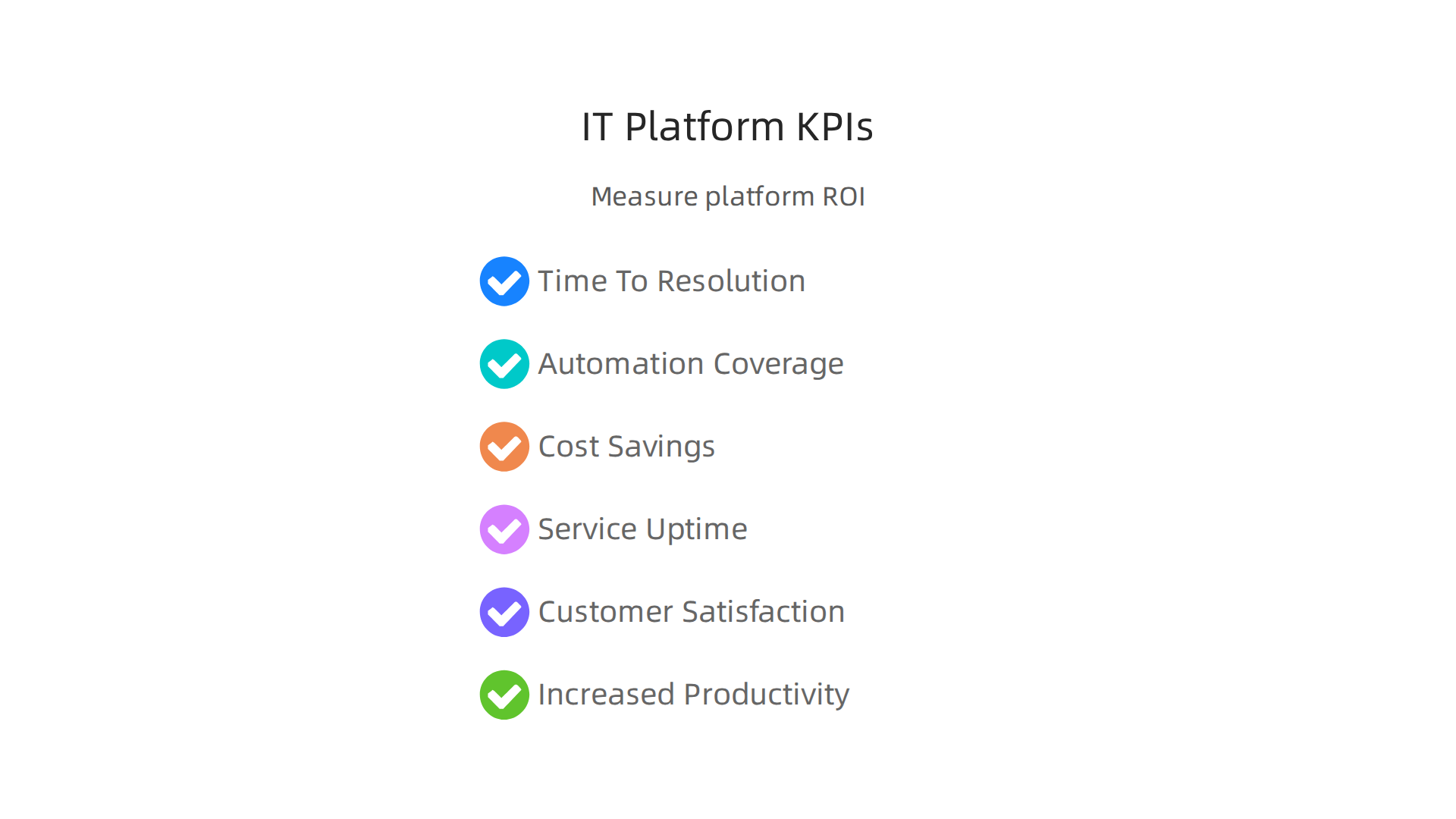
These are important numbers that show if you’re reaching your goals.
Some important KPIs and things to measure include:
- Mean Time To Resolution (MTTR): This is how quickly your team can fix a problem when it comes up. A good IT management platform helps lower this time significantly. For example, some businesses see a 60-80% improvement in MTTR.
- Automation Coverage: How much of your routine IT work is now handled automatically by the platform? More automation means your team has more time for bigger tasks.
- Cost Savings: Is the platform helping you save money on IT operations, energy, or by preventing costly downtime? Many companies experience a notable reduction in IT operational costs after adopting observability tools.
- Service Uptime: How often are your systems running smoothly without interruptions? Good observability helps keep everything up and running.
- Customer Satisfaction: When IT runs better, customers are happier because services are more reliable.
- Increased Productivity: When systems are stable and issues are resolved quickly, your employees can work more effectively.
Turning Insights into Improvements
The real power of analytics and observability in an IT management platform is that they feed a "continuous improvement loop." When you constantly gather data and measure your KPIs, you can see what’s working and what’s not. This helps you make smart decisions about:
- Optimizing Operations: Finding ways to make your IT processes run more smoothly and efficiently.
- Improving Architecture: Making your system designs stronger and more reliable based on real-world performance data.
By focusing on these metrics, businesses can see a clear return on investment (ROI) from their IT management platform. Some reports show a median ROI of 4x for observability investments. This means for every dollar spent, businesses believe they get four dollars back in value. This holistic view ensures that your business automation tools and entire manufacturing erp system are not just running, but running optimally, driving success and growth. For a deeper dive into how to effectively manage these benefits, learn about Analytics Definition: What Enterprise Leaders Must Know for 2026.
Keeping up with the latest trends in technology, especially AI, is crucial for leveraging these tools to their fullest potential. Get clear daily AI updates from The AI Newsletter Worth Reading.
After seeing how much value an IT management platform can bring through clear data and insights, the next big step is putting it into action. This is not just about installing software. It’s about changing how people work and setting up new rules. A good plan makes sure your new system truly helps your business grow.
7) Implementation Roadmap: People, Process, and Governance
Bringing a new it management platform into your company needs a careful roadmap. This map guides everyone through the changes, making sure the platform works well for your teams and your goals.

Step 1: Start Small with a Pilot
It is smart to start with a "pilot program." This means you try out the new it management platform with a small group or a single part of your business first. This way, you can test things out, see what works, and fix any problems before rolling it out to everyone. Taking time to properly evaluate enterprise IT management platforms can prevent bigger issues later on. You want to make sure the system really fits your needs.
Step 2: Grow and Scale
Once your pilot is a success, you can slowly bring the it management platform to more teams and departments. This is where "organizational change" comes in. It means helping people get used to new ways of doing things. You will need to make sure everyone understands the new system and how it will help them. For example, some companies are using unified automation platforms to connect different parts of their IT, making the scaling process easier and saving many work hours.
Step 3: Set Up Rules and Roles
For the it management platform to run smoothly, you need clear rules and roles. This is called "governance."
- Roles: Everyone needs to know their job with the new system. Who approves things? Who fixes problems? Who trains new people?
- Runbooks: These are like simple how-to guides for common tasks. They help everyone follow the same steps.
- Center-of-Excellence: Sometimes, companies create a special small team of experts. This team guides other teams, answers questions, and makes sure the
it management platformis used in the best way.
Clear rules help your business automation tools work correctly and can make a big difference for systems like a manufacturing erp where many steps are linked together. Actually, trends in 2026 show that strong governance is key, especially as more businesses rely on IT service management platforms.
Step 4: Keep Learning and Working with Vendors
Technology changes quickly. So, training for your teams should never stop. This makes sure everyone keeps learning new features and best practices for the it management platform. Also, you need good "vendor governance." This means you work closely with the company that provides your platform. You make sure they meet their promises, provide good support, and help your business get the most value. Focusing on your team’s skills is very important for making the most of these powerful tools, and you can learn more about building strong teams by exploring IT Talent 2026: Building Your Engineering Workforce From Within.
Summary
This article explains why enterprise leaders need a strong IT management platform and how to choose, deploy, and get value from one. It reviews the 2026 market landscape, vendor types, and consolidation trends, then gives a practical evaluation checklist covering coverage, automation, integrations, security, and total cost of ownership. You’ll learn a simple weighted scoring framework to compare vendors, common automation and orchestration patterns (policy-driven, event-driven, IaC), and safe practices like testing and rollback. The piece also walks through security and compliance checks—access controls, auditability, and data residency—and practical migration approaches such as phased adoption and the strangler pattern. Finally, it shows how observability and analytics drive KPIs (MTTR, automation coverage, uptime, cost savings) and outlines an implementation roadmap for pilots, governance, and ongoing training so your platform delivers measurable business value.