
Cloud Based Productivity Tools How to Evaluate and Select the Best Tools for Your Enterprise in 2026

Let’s be honest, picking the right tools for your team feels harder than ever. Every week there is a new app promising to change the way you work. For senior leaders, the pressure to choose wisely while also keeping up with rapid change is real.

That pressure comes with big numbers. The business productivity software market is expected to grow from over $100 billion in 2026 to nearly $250 billion by 2033, according to Persistence Market Research.
The AI productivity tools market alone is projected to hit $69 billion by 2035, as SNS Insider reports. These numbers tell us one thing: organizations everywhere are betting heavily on software to get more done.
So, why all the buzz around cloud based productivity tools?
Cloud based solutions promise real benefits. They let your team work from anywhere. They scale as you grow. And they often cost less upfront than old-school on-premise setups. Tools that handle everything from data analysis tools to code review tools in market are now available as services you can turn on in minutes. That sounds great, right?
Here is the catch. The sheer number of choices creates a new problem. How do you know which tools actually deliver? Which ones fit your existing stack? And which ones are worth the investment for the long haul?
Without a clear strategy, you risk wasting budget on tools that don’t talk to each other or that your team never uses. That is where this guide comes in.
We put together this resource for leaders like you. It uses real market data and practical insights to cut through the noise. Whether you are evaluating platforms like code corp cortex tools or broader collaboration suites, you will find evidence-based advice to help you make smart decisions in 2026.
If you want to understand how to build a strong technology roadmap, our guide on enterprise technology analyst insights for 2026 can give you the bigger picture. For now, let’s dive into what makes cloud based productivity tools work and how to pick the best ones for your business.
The State of Cloud Productivity Tools in 2026: Key Market Trends
The growth of cloud based productivity tools keeps accelerating in 2026. According to Mordor Intelligence, the business productivity software market hit $110.36 billion this year and is expected to climb to $195.56 billion by 2031. Meanwhile, Fortune Business Insights reports that the productivity apps segment alone will grow from $14.46 billion in 2026 to $30.85 billion by 2034. These numbers confirm what many leaders already feel: the demand for better tools is everywhere.
Three big trends are shaping this market.
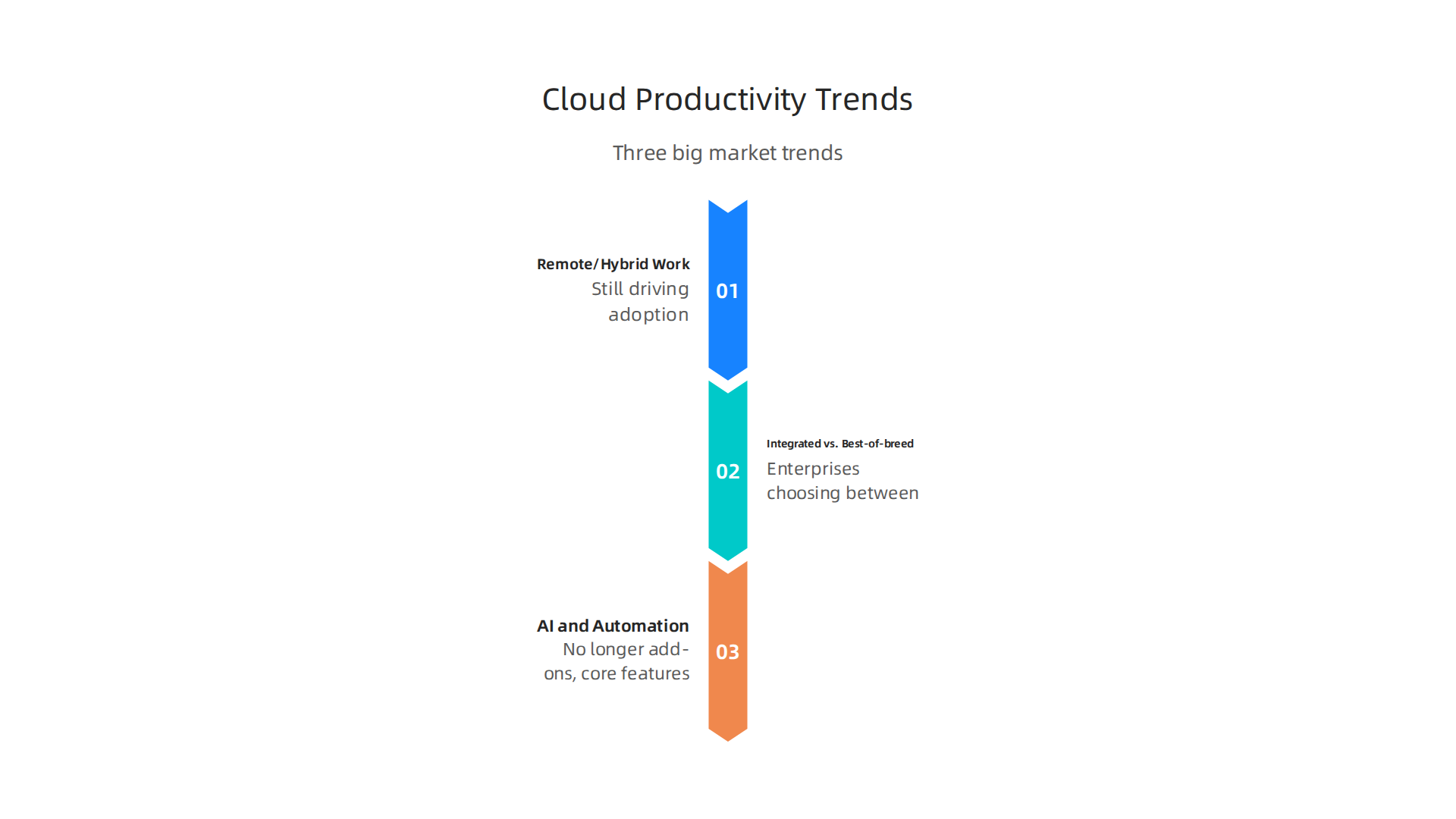
Remote and hybrid work are still driving adoption. Even as some companies push for a return to the office, most teams keep a flexible setup. Cloud based productivity tools let people collaborate from anywhere without losing momentum. Leaders now expect every new tool to work just as well at home as it does in the office.
Enterprises are choosing between integrated suites and best-of-breed solutions. Some organizations prefer all-in-one platforms like Microsoft 365 or Google Workspace. Others assemble a stack of specialized tools. For example, you might need advanced data analysis tools for your analytics team and dedicated code review tools in market for your engineering group. Platforms like code corp cortex tools offer focused capabilities that fit into a larger ecosystem. The key is making sure your chosen tools talk to each other without forcing your team to learn ten different interfaces.
AI and automation are no longer add-ons; they are core features. The Grand View Research report on AI productivity tools shows the market growing from $8.8 billion in 2024 to $36.4 billion by 2033. That growth happens because AI is baked into everyday tasks. Your calendar app suggests the best meeting times. Your document editor rewrites paragraphs automatically. Your project management tool flags risks before they become problems. Teams save hours each week thanks to this embedded intelligence.
Understanding these trends helps you make smarter choices when evaluating vendors. If you are looking to integrate AI into your own workflows, our guide on data collection methods for enterprise AI in 2026 offers practical advice to get started.
Critical Evaluation Criteria for Selecting Cloud Based Productivity Tools
So you know the market is growing and AI is everywhere. Now comes the hard part. How do you pick the right cloud based productivity tools for your team? With so many options, it is easy to get distracted by flashy features. But experienced leaders know the real test goes deeper.
Let us walk through the criteria that actually matter in 2026.
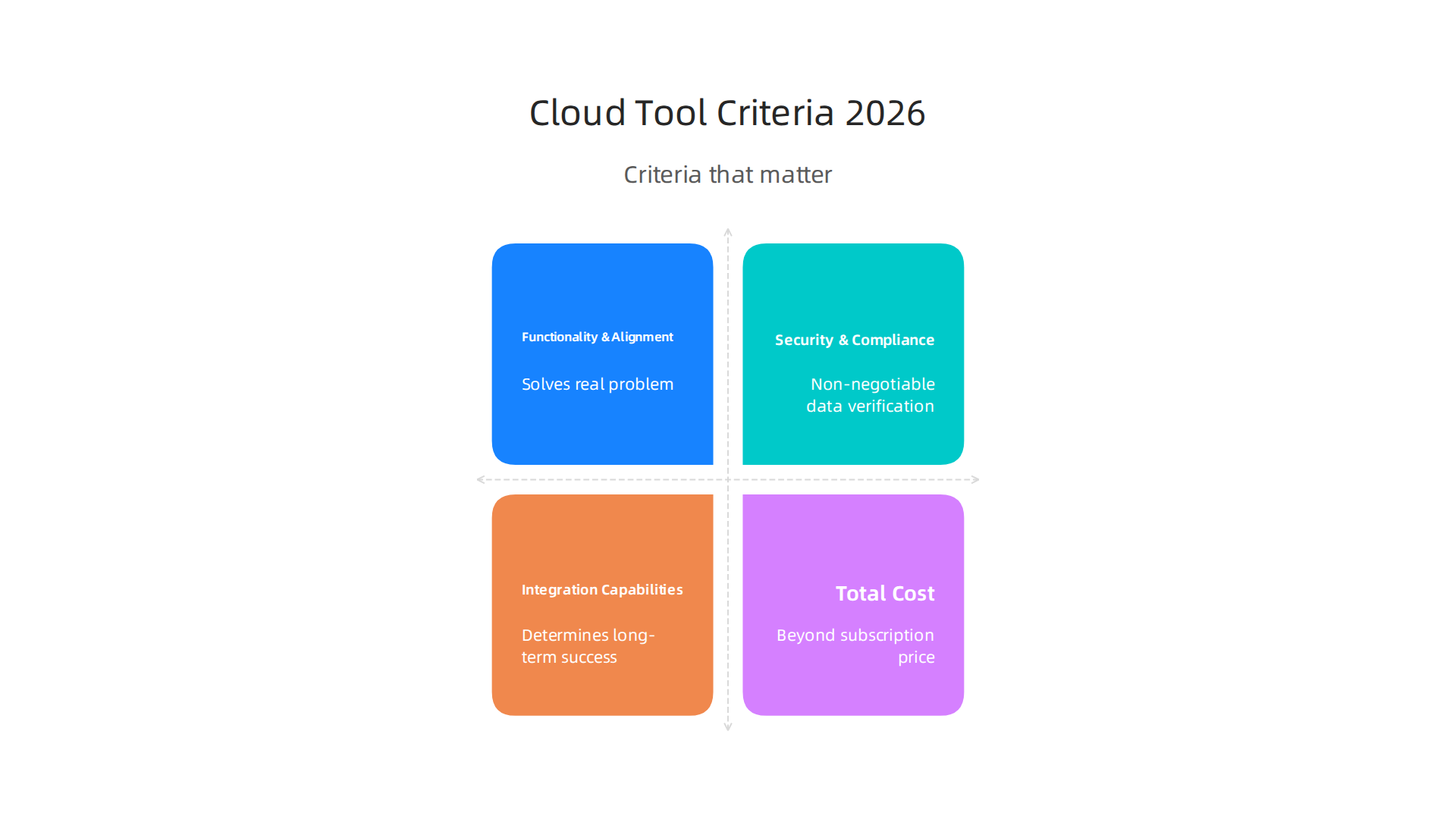
Functionality and business alignment come first.
Every tool must solve a real problem for your team. A data analysis tool might look great in a demo, but does it handle your specific data volume and format? According to a comprehensive ERP selection guide, business requirements alignment is the top priority. The same logic applies here. Map your workflows to the tool’s capabilities before you sign anything.
Security and compliance are non-negotiable.
Your data lives in someone else’s cloud now. That means you need to verify their security posture. Look for certifications like SOC 2 Type II, ISO 27001, and HIPAA if you handle health data. The cloud compliance testing guide outlines how modern enterprises validate these claims. Also check if the vendor supports data sovereignty by storing your data in specific regions. This is especially important for companies subject to GDPR or local data laws.
Integration capabilities determine long-term success.
Your new tool cannot live in a bubble. It needs to talk to your existing stack, whether that includes code review tools in market for your engineering team or a CRM for your sales team. The guide to selecting AI collaboration platforms emphasizes that integration readiness often separates successful deployments from failed ones.
Ask about APIs, native connectors, and how the tool handles data sync.
Total cost of ownership goes beyond the subscription price.
Calculate the full picture. Include onboarding costs, training time, integration effort, and any premium add-ons for advanced features like AI or advanced security. A cloud provider comparison guide suggests evaluating both upfront and recurring costs. Sometimes a slightly more expensive tool saves you money by reducing training time or eliminating the need for separate point solutions.
**User adoption is the hidden ROI killer.

**
Here is the thing: the most powerful tool does nothing if your team refuses to use it. Change management matters more than most buyers think. Involve end users early. Run pilot programs with real teams. Look for tools with intuitive interfaces that match your team’s skill level. The evaluation framework for agentic AI solutions highlights that user-friendliness directly impacts return on investment.

If you skip this step, you risk buying an expensive shelf-ware.
Vendor stability and roadmap alignment.
You want a partner, not a random vendor. Check the company’s financial health, customer retention rates, and product update cadence. Review their public roadmap. Does it align with your technology strategy for the next three years? The enterprise risk management software buyer guide recommends this as a critical filter. A vendor that pivots too often or fails to innovate in key areas like code corp cortex tools might leave you stranded.
Making sense of all these criteria takes time. But getting it right saves you months of frustration and wasted budget. If you want a practical framework to evaluate AI-powered tools specifically, our guide on data collection methods for enterprise AI in 2026 walks through the exact steps.
Start with these criteria. Build a scorecard. Then compare your top candidates side by side. Your team will thank you later.
Top Cloud Productivity Tool Categories to Watch
Now that you have a clear evaluation framework, let us look at the main categories of cloud based productivity tools in 2026. Each category has evolved differently. Some vendors now offer full suites that cover multiple needs. Others focus on doing one thing perfectly. The key is knowing which approach matches your team’s style.
Here are the four big categories to watch.
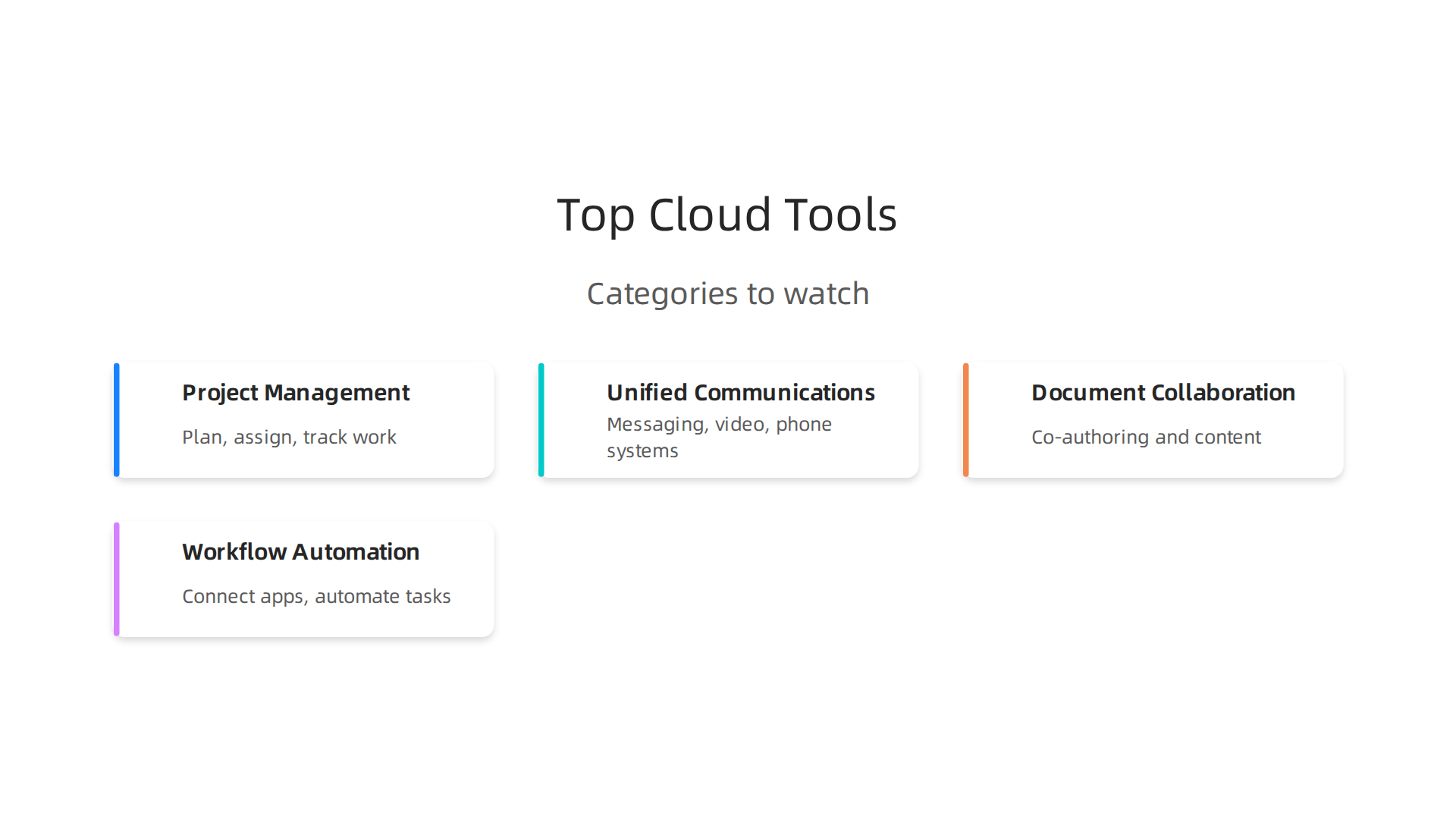
1. Project and task management tools.
These tools help you plan, assign, track, and finish work. Think platforms like Asana, Monday.com, and Teamwork.com. They have grown beyond simple to-do lists. Modern versions include Gantt charts, workload views, and automated status updates. The Top 10 Cloud Productivity Tools to Use in 2026 highlights how AI now powers smart scheduling and risk prediction. Your project manager can see which tasks might slip before they actually do.
2. Unified communications platforms.
This category covers messaging, video calls, and phone systems all in one place. Slack, Microsoft Teams, and Google Chat are the big names. What changed in 2026? AI. Automated meeting summaries, real-time translation, and smart scheduling are now standard. According to the guide to selecting AI collaboration platforms, these features reduce meeting overload and help remote teams stay aligned. If your team works across time zones, look for tools with strong async capabilities.
3. Document and content collaboration tools.
Google Workspace, Microsoft 365, and Notion dominate here. But the category now includes specialized solutions for design, code, and data. For example, data analysis tools like those embedded in spreadsheets let teams run queries without leaving the document. And for engineering teams, code review tools in market have become more collaborative, integrating directly with version control systems. Expect AI to generate draft documents, suggest edits, and even translate content automatically. The TextExpander guide to productivity tools in 2026 notes that real-time co-authoring is now table stakes. The differentiator is how well the tool understands your team’s specific workflows.
4. Workflow automation platforms.
These tools connect your apps and automate repetitive tasks. Zapier, Make (formerly Integromat), and Microsoft Power Automate lead the space. In 2026, AI has made automation even smarter. You can build complex workflows with natural language prompts. Need to send a Slack alert when a CRM deal reaches a certain stage? Just describe it. The evaluation framework for agentic AI solutions explains that modern platforms can now learn from your team’s patterns and suggest automations you never thought of. This category is a hidden powerhouse for cutting busywork.
How these categories have matured.
Some vendors now offer comprehensive suites that blend multiple categories. Microsoft Teams includes project management, document editing, and automation. Google Workspace does the same. These suites reduce vendor count and simplify integration. But they may lack depth in specific areas. Niche tools often provide superior features for specialized tasks like code corp cortex tools for engineering teams or advanced data visualization. The enterprise technology analyst insights for 2026 guide suggests that most enterprises end up with a hybrid approach: a central suite for most work, plus targeted tools for critical functions.
AI as the new differentiator.
Across all categories, AI is the biggest game changer. Look for tools that offer:
- Automated report generation from your data
- Smart scheduling that respects time zones and work hours
- Intelligent search that finds files, messages, and tasks instantly
- Predictive analytics that flag risks early
These features turn a good tool into a great one. They save hours each week. And they help your team focus on high-value work instead of busywork.
As you compare options, keep these categories in mind. Map your needs to the right one. Then use the evaluation criteria from the previous section to pick the best fit. Your team will thank you for choosing a tool that actually matches how they work.
Integration and Interoperability: The Hidden Cost of Fragmentation
Picking the right cloud based productivity tools is only half the battle. The other half? Making sure they talk to each other. Here is the thing: teams often adopt a handful of standout tools only to discover their data is stuck in separate islands. That is fragmentation. And it costs you more time and money than you might expect.
When your project management platform, communication app, and data analysis tools do not sync smoothly, your team wastes hours copying and pasting information. They miss updates. They recreate work that already exists. According to a guide on solving data interoperability challenges, enterprises with large tech stacks often struggle to get data moving between systems. The result is lower productivity, not higher.
The same goes for specialized tools like code review tools in market or code corp cortex tools. These tools do a great job on their own. But if they cannot feed data back into your main workflow platform, you end up with fragmented insights. A developer might push code, but the project manager never sees the update. That gap creates confusion and delays.
So what is the fix? Three things matter most.
First, look for strong APIs. A tool that offers a well-documented API can plug into almost any ecosystem. That flexibility is gold. Second, consider low-code integration platforms. Services like Zapier or Make let you connect apps without writing code. They are especially useful for connecting older tools that lack modern APIs. Third, go for standardized connectors. Tools that support common formats like REST or GraphQL are easier to integrate. As the data interoperability importance guide explains, interoperability is what makes AI and automation actually work across your stack.
Beware of vendor lock-in. Some suites are tempting because they handle many categories. But they may use proprietary formats that make it hard to switch later. Before you commit, review vendor contracts for portability and multi-region support. This saves you from being trapped down the road.
Plan for integration costs upfront. Integration is not free. You will spend money on connectors, middleware, or developer time. Factor that into your budget. A tool that costs more but integrates seamlessly may be cheaper overall than five cheap tools that ignore each other.
To make smarter decisions, check out our enterprise technology analyst insights for 2026. It covers how leading companies balance deep specialization with smooth interoperability.
Remember: the best cloud based productivity tools are the ones that work together. Before you buy, ask the vendor how their tool connects with everything else you use. Your team’s efficiency depends on it.
Security, Compliance, and Data Sovereignty in Cloud Productivity
You found a set of cloud based productivity tools that work together beautifully. They sync. They share data. Your team loves them. But here is a question you cannot skip: is your data safe? And are you following the law?
Security and compliance are not just checkboxes. They are the foundation that keeps your business running. If you ignore them, you risk data breaches, fines, and lost trust. That is a price no enterprise can afford.
Start with the standards that matter to you.
Every industry has rules. Healthcare follows HIPAA. Financial services follow SOC 2. Companies in Europe or dealing with European customers need GDPR. The list goes on. Before you adopt any tool, check which cloud compliance frameworks it supports. Vervali’s 2026 guide breaks down what HIPAA, GDPR, SOC 2, and PCI-DSS actually require in cloud environments.
If your tool does not support the right framework for your industry, walk away.
Data sovereignty is another big piece.
This sounds technical but it is simple. Where is your data stored? Some countries have laws that say your data must stay inside their borders. If your tool stores everything on servers in another region, you could be breaking the law. For example, healthcare data often cannot leave the country where the patient lives. The Kiteworks article on secure collaboration tools explains how on-premises or regional deployment helps you meet data sovereignty requirements.
Ask your vendor: where are my servers located? Do you offer regional data centers? If the answer is vague, that is a red flag.
Certifications matter more than promises.
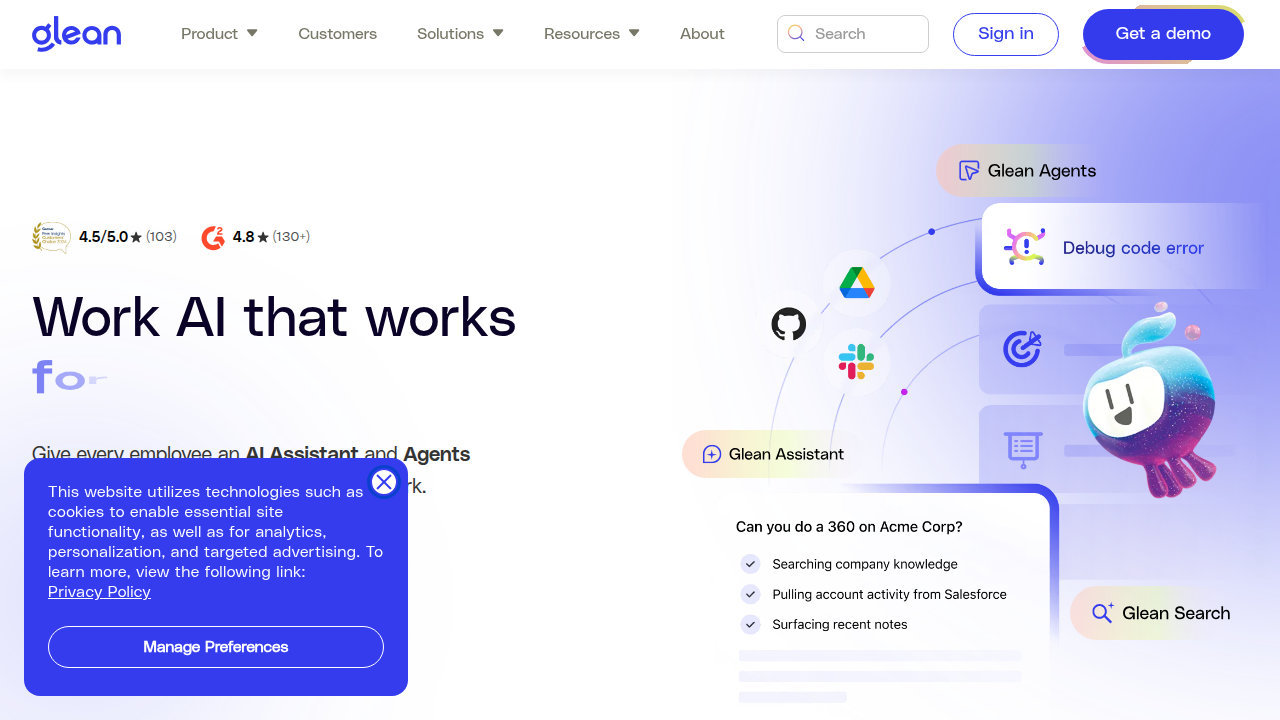
Any vendor can say they take security seriously. But certifications prove it. Look for SOC 2 Type II, ISO 27001, HIPAA, and GDPR certifications. These are not easy to get. A vendor that holds them has passed independent audits. The Meetingnotes guide on the secure AI productivity stack shows how a tool like Glean holds multiple certifications including SOC 2 Type II, ISO 27001, and HIPAA. That is the kind of transparency you want.
Also check their incident response history. A good vendor will tell you about past breaches and how they handled them. If they hide it, assume the worst.
Make security part of your evaluation process.
When you compare cloud based productivity tools, add security to your scoring criteria. Do not just look at features and price. Look at encryption standards, data retention policies, and access controls. The Top 10 Cloud Compliance Tools for 2026 from Qualys can help you see what tools other enterprises use to stay compliant.
One more thing: review your vendor contracts carefully. The Konica Minolta article on AI priorities reminds you to confirm portability and multi-region support in the contract. Do not assume it is included.
For a deeper look at how leading companies choose tools while balancing security and compliance, check out our enterprise technology analyst insights for 2026. It covers the due diligence process that top CIOs and CTOs use.
Remember: the best cloud based productivity tools are the ones you can trust with your data. Do not skip the security check. Your entire operation depends on it.
ROI and Productivity Measurement: Quantifying the Impact
You have chosen secure, compliant cloud based productivity tools. But how do you know they are actually working? Measuring return on investment is not just about dollars saved. It is about time, team happiness, and overall momentum.

Too many companies buy tools based on a good feeling. A 2026 guide from Larridin calls this "vibe-based spending" and pushes for real measurement. You need a clear framework.
Start with two sides of the same coin: quantitative and qualitative metrics.
Quantitative metrics are numbers you can count. Hours saved per week. Projects finished faster. Fewer meetings. The IBM guide on maximizing AI ROI in 2026 suggests tracking labor cost reductions and hours saved due to automation. For example, if your team used to spend 10 hours a week on manual data entry and now spends 2, that is a win you can measure.
Qualitative metrics matter just as much. Employee satisfaction. Reduced frustration. Better collaboration. A tool might save time on paper, but if everyone hates using it, long-term ROI suffers. So ask your team: does this tool make your work easier or harder? Their answers are real data.
Common ROI frameworks include productivity gain percentages, reduction in meeting times, and faster project completion. The Promethium data governance ROI guide from 2026 offers concrete benchmarks that help you build a business case. The SS&C Blue Prism article on digital transformation ROI reminds you to establish a baseline before you deploy anything. Measure your current throughput, meeting hours, and task completion time. Then after a pilot, measure again.
Pilot programs are your best friend. Do not roll out a tool to everyone at once. The agility at scale article on measuring AI ROI recommends continuous real-time monitoring instead of waiting for quarterly snapshots. Pick one team, run a pilot for two to four weeks, and collect both numbers and feedback. If the pilot shows clear value, expand. If not, you saved yourself a costly mistake.
Whether you are evaluating data analysis tools or code review tools in market, the same logic applies. Measure before, measure during, measure after. Developer teams using tools like Code Corp Cortex tools should track code quality and review speed specifically.
For a deeper look at how top CIOs and CTOs build these measurement frameworks, check out our enterprise technology analyst insights for 2026. It covers the due diligence process that turns a good idea into a proven investment.
Remember: the best cloud based productivity tools are the ones that deliver measurable results. Don’t guess. Measure.
Implementation Best Practices for Enterprise Adoption
You have the numbers. You know the ROI framework. Now comes the hard part: getting your team to actually use the tool. A great cloud based productivity tool with zero adoption is just an expensive line item. The difference between a failed rollout and a successful one comes down to three things: leadership support, smart rollout timing, and constant listening.
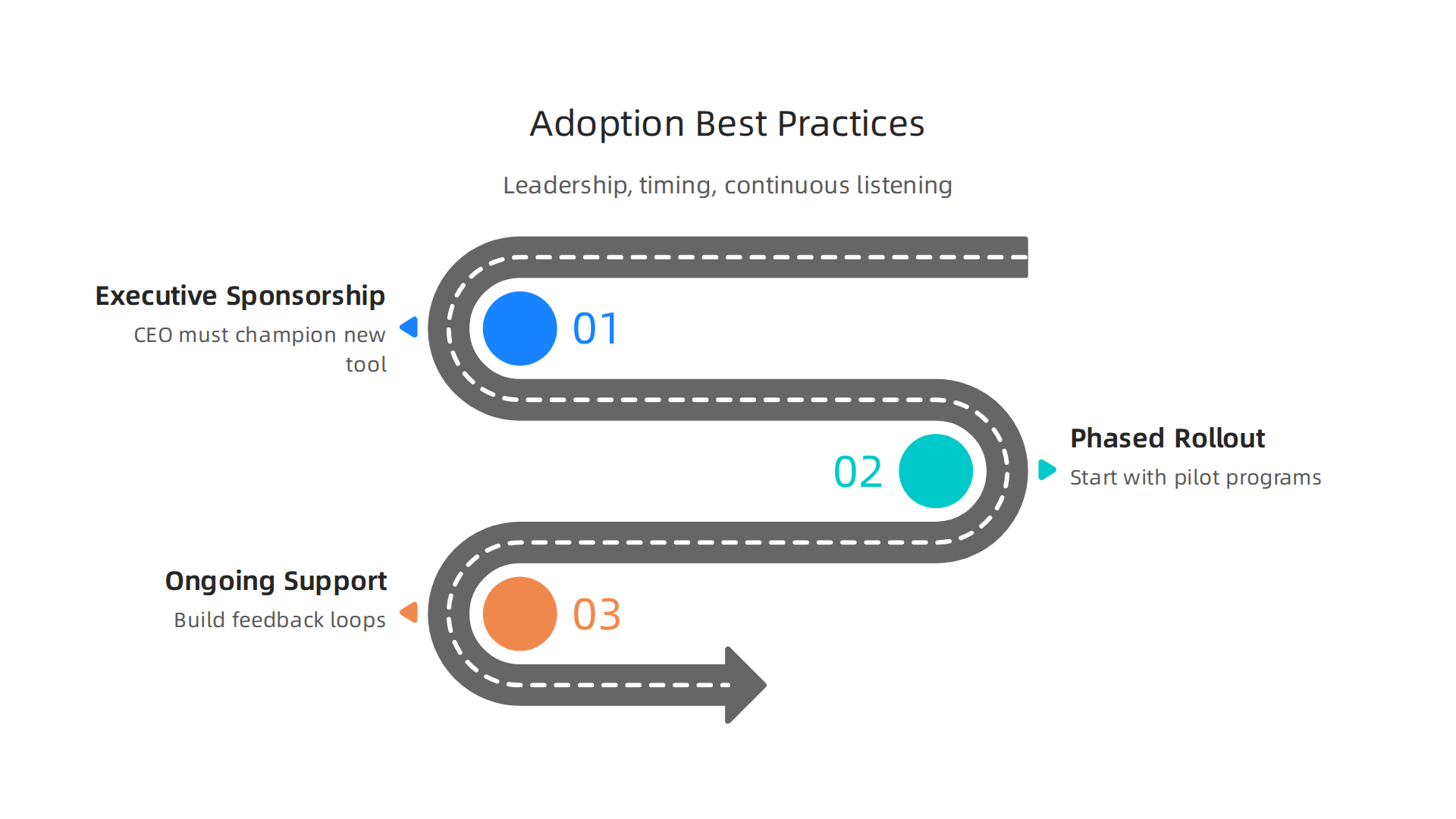
Start with executive sponsorship and clear training
If your CEO or department head does not champion the new tool, adoption will stall. People follow leaders. Your executive sponsor needs to talk about why the change matters and use the tool themselves. Then comes training. The TechClass guide to maximizing AI training ROI in 2026 reminds us that one-time training is not enough. You need ongoing learning paths. For data analysis tools or code review tools in market, let your team practice in a sandbox first. Show them real examples from their own work. Make training relevant, not generic.
Use a phased, milestone-based rollout
Do not flip a switch for everyone on a Monday morning. The SS&C Blue Prism article on digital transformation ROI suggests starting with a clear roadmap and prioritizing high-impact areas first. Pick one team or one process. Run a pilot for two to four weeks. Set clear milestones: Did project completion time drop? Did error rates fall? The agility at scale guide on measuring AI ROI recommends continuous real-time monitoring during the pilot. This keeps you from waiting months to discover problems. If you are rolling out code corp cortex tools for code review, start with one developer squad. Measure review turnaround before and after. If the pilot shows wins, scale slowly. If it shows friction, adjust before expanding.
Build ongoing support and feedback loops
Adoption is not a one-time event. People need help weeks after they start using the tool. Set up a dedicated Slack channel or office hours. Create a feedback loop where users can report issues and suggest improvements. The ERP Today article on AI value measurement notes that most companies struggle to measure value consistently. The same is true for adoption. So ask your team every two weeks: Are you using it? What is getting in the way? Use their answers to refine training, tweak settings, or swap out a feature that does not work.
For a broader look at how top CIOs and CTOs build adoption plans that actually stick, check out our enterprise technology analyst insights for 2026. It covers the leadership behaviors and change management tactics that turn a chosen tool into a daily habit.
Remember, the best cloud based productivity tools are worthless if nobody uses them. Executive sponsorship, phased deployment, and real feedback loops turn potential into performance.
Summary
This article guides senior leaders through selecting cloud based productivity tools in 2026 by combining market data, practical evaluation criteria, and implementation advice. It explains why cloud and AI-driven tools dominate the market, outlines major trends like remote work and embedded automation, and shows how to balance integrated suites with best-of-breed solutions. The piece provides a clear evaluation framework—covering functionality, security certifications, integration readiness, total cost of ownership, user adoption, and vendor stability—and explains why each criterion matters. It also breaks down the main tool categories (project management, unified communications, document collaboration, and automation), highlights integration and interoperability risks, and offers steps to measure ROI. Finally, it gives actionable rollout recommendations—pilot programs, executive sponsorship, phased deployment, and ongoing training—so readers can choose tools that actually deliver measurable value.