
Best Laravel Cloud Platforms Compared for 2026

Introduction
Building and scaling Laravel applications in 2026 is both exciting and complicated. The framework powers over 81,000 active websites, from startups to global enterprises like Nike, Oracle, and HSBC. That growth is real. The framework holds a 4.16% share of the web frameworks market and has seen a 46% year-over-year increase in active domains, according to the latest Laravel market data.
But here’s the thing. With that kind of growth comes a big question: where should you run your Laravel app? The days of simply renting a server are fading fast. Today, you have choices. Managed Laravel cloud platforms, serverless environments, and custom setups on providers like AWS EC2 all promise speed, scalability, and lower costs. But which one actually delivers?
The cloud itself is expanding rapidly. The global cloud computing market is projected to hit around $905 billion in 2026, with enterprise adoption surging. For Laravel teams, this means more options but also more noise. Picking the right platform is not just about price. You have to think about scalability, security, and how well the platform fits your team’s workflow.

Cloud native technologies are reshaping how applications are built and deployed. Even if you are not aiming for an aws cloud architecture certification, understanding the trade-offs between platforms matters.
That is exactly what this article covers. We provide a clear, data-driven comparison of the leading Laravel cloud platforms available in 2026. You will learn how each option handles scaling, what it really costs, and which one makes the most sense for your project’s needs. Whether you are a solo developer or leading an enterprise team, you need the facts before you commit.
Before we dive into the details, staying up to date on fast-moving cloud and AI trends can give you a real edge. The AI Newsletter Worth Reading delivers clear daily updates on AI and enterprise tech straight to your inbox.
Now, let’s break down what makes a great Laravel cloud platform today.
Understanding the Laravel Cloud Ecosystem in 2026
If you have been building with Laravel for a while, you know the choices for where to run your app can feel confusing. In 2026, the Laravel cloud ecosystem has grown into three main categories: first-party tools from the Laravel team, managed platforms from other companies, and traditional VPS setups with server management tools.
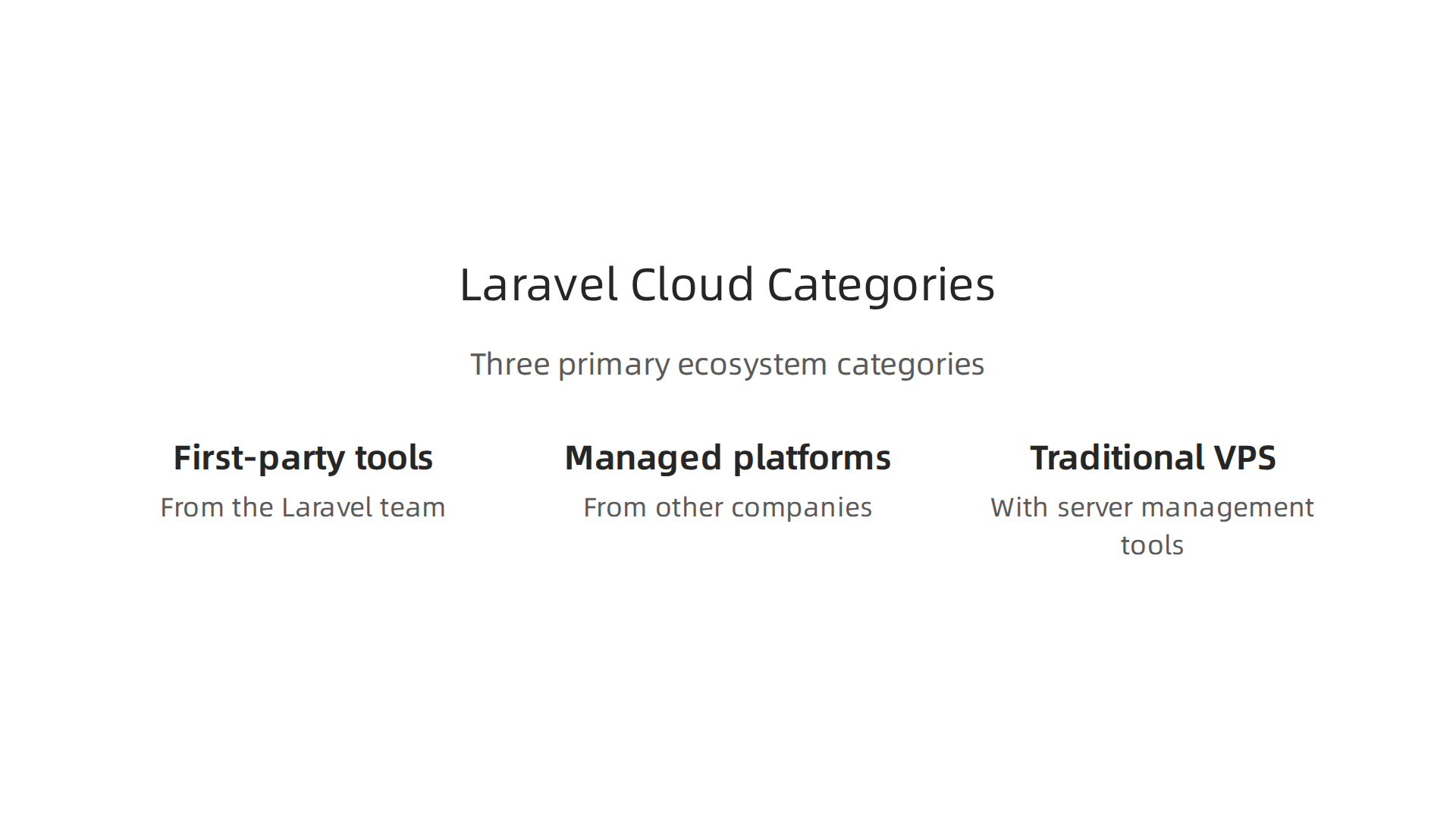
The Laravel team now offers three distinct options. Laravel Forge is the old reliable tool that sets up and manages servers on providers like AWS, DigitalOcean, or Hetzner. Forge gives you full control but still requires some manual work. Laravel Vapor takes a different path. It runs your app on AWS Lambda in a serverless way, but you need to understand AWS services to manage it. And in 2025, the team launched Laravel Cloud, a fully managed platform that auto-scales, handles security, and lets you deploy with a simple git push. As one detailed comparison explains, Laravel Cloud is the strongest choice for teams that only use Laravel and want zero infrastructure decisions, while other platforms like Upsun fit better if you run multiple stacks. You can read the full best PaaS for Laravel in 2026 guide for a deeper breakdown.
Beyond Laravel’s own services, third-party options have matured. Kinsta and Cloudways both offer managed Laravel hosting with auto-scaling. Platforms like Railway, Render, and Fly.io also support Laravel, though they are less specialized. And for teams that want maximum control, combining a VPS from DigitalOcean with Forge remains a popular and cost-predictable choice.
What makes the 2026 ecosystem different is how it blends new technologies. Cloud native technologies like serverless computing and edge deployment are now standard in many Laravel platforms. Laravel Octane keeps your app in memory for blazing speed. AI tooling is also being built directly into hosting platforms. Laravel Cloud, for example, offers an API that lets AI agents provision resources and trigger deployments automatically. This kind of automation was rare just a year ago.
For enterprises, the decision involves more than just features. You need to think about vendor lock-in. If you go all-in on Laravel Cloud, moving to another platform later could be hard. Compliance matters too. Some platforms offer ISO 27001, SOC 2, and HIPAA certifications, while others do not. And community support can make a difference when you run into problems. The Laravel community is huge and active, but the level of documentation and support varies by platform.
Understanding these options takes time, but they all aim to solve the same problem: let you focus on building your app instead of managing servers. For a broader look at how cloud infrastructure strategies are evolving, check out this guide on platform engineering in 2026. In the next section, we will compare the top platforms head to head on cost, performance, and ease of use.
Key Players: Laravel Vapor, Forge, Envoyer, and Alternatives
When you look at the Laravel cloud tools available, four names come up most often: Vapor, Forge, Envoyer, and the newer Laravel Cloud. Each one serves a different job.
Laravel Vapor is the serverless option. It runs your app on AWS Lambda and scales automatically. But you need to know AWS services like AWS EC2 and Lambda to manage it. It is great for apps with unpredictable traffic. However, the pay-as-you-go cost can spike if you do not watch it closely. You can read more about Laravel cloud architecture for scalable apps to see how Vapor fits in.
Laravel Forge is not a hosting platform itself. It is a server management tool that sets up and runs your servers on cloud providers like DigitalOcean, AWS, or Hetzner. Forge gives you full root access and predictable monthly costs. Many developers pair Forge with Envoyer for deployments.
Envoyer focuses on one thing: deploying your Laravel app with zero downtime. It works alongside Forge or any server setup. You push code, and Envoyer runs your deployment scripts, runs migrations, and switches traffic to the new version without a single second of downtime. This is critical for production apps where every second matters.
Here is a quick comparison of enterprise features across these tools:
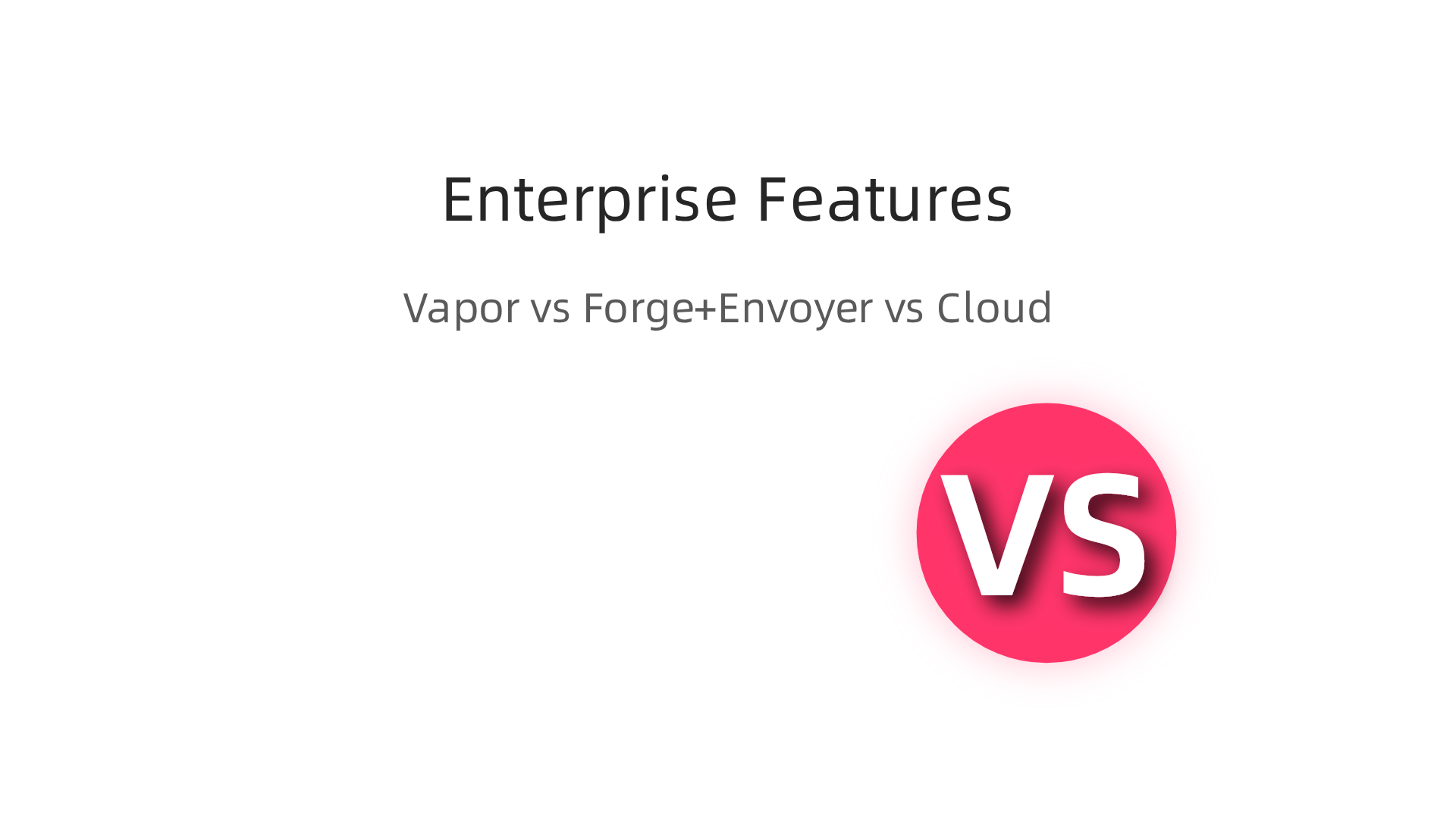
| Feature | Vapor | Forge + Envoyer | Laravel Cloud |
|---|---|---|---|
| Auto-scaling | Yes, serverless | Manual setup | Fully managed |
| CI/CD | Requires setup | Envoyer handles | Push-to-deploy |
| Database management | AWS RDS | Self-managed | Serverless Postgres |
| Monitoring | AWS tools | Limited | Built-in |
Newer alternatives are also appearing. Platforms like Cloudways and Kinsta offer managed Laravel hosting with auto-scaling and one-click setups. Some even run on managed Kubernetes, giving you the power of container orchestration without the complexity. For a deeper look at hosting choices, check out this list of best Laravel hosting providers from a developer who runs his own site.
Choosing between these tools comes down to your team’s skills and needs. If you want full control and lower cost, Forge plus Envoyer is a proven combo. If you want zero infrastructure work and have a Laravel-only stack, Laravel Cloud is the easiest path. The official Laravel Cloud page explains how it eliminates DevOps overhead. For a broader framework on evaluating cloud platforms, see this guide on cloud research.
As you plan your cloud strategy, staying informed on the latest in AI and cloud technology can give you an edge. Enterprise leaders often rely on curated news to cut through the noise. If you want clear daily updates on AI and tech trends, check out The AI Newsletter Worth Reading.
Performance and Scalability: Enterprise-Grade Requirements
Imagine your app suddenly goes viral. Or a big enterprise client signs on. Can your current setup handle the spike without crashing? This is the real test for any Laravel cloud deployment.

Serverless platforms like Laravel Vapor handle this well. They auto-scale to match traffic automatically. One company using Vapor shared that they saw response times around 100ms globally after setting up an API Gateway. Their app has not gone offline in months, as detailed in this 1 year review of Laravel Vapor. But there is a catch: cold starts. When a Lambda function has not been used for a while, the first request can be slower. For apps with steady traffic, this is rarely a problem. For apps with sudden bursts, it can add a small delay.
Laravel Cloud takes a different approach. It also auto-scales but avoids cold start issues by keeping your app warm. When traffic drops, it scales to zero, so you pay nothing during idle periods. Users migrating from Vapor have seen up to 50% cost savings, according to this Laravel Cloud vs Vapor comparison. For enterprise teams, predictable performance matters just as much as cost. You need to know exactly how your app will behave under load.
Real-world benchmarks show big differences between options. Adding Laravel Octane can cut response times by 75 to 150 milliseconds, as shared by developers in this Octane performance discussion on Vapor. That is a noticeable boost for users. Traditional cloud VMs, like AWS EC2, give you full control but require you to manage scaling yourself. Managed platforms handle the heavy lifting but cost more at high volumes. The right choice depends on your traffic patterns and your team’s skills.
For global applications, latency matters everywhere. Vapor lets you deploy to multiple AWS regions so users get fast responses no matter where they are. This is critical for enterprise apps serving teams across continents. If your app needs consistent, predictable speed, you need to architect for it from day one. Building a strong infrastructure foundation with cloud native technologies helps ensure your app scales without surprises. You can explore how to structure your platform for growth in this guide on platform engineering for enterprise teams.
Security, Compliance, and Risk Mitigation
Security is not optional when you choose a cloud platform. It is the foundation that protects your data, your customers, and your reputation.

For Laravel cloud deployments, understanding how each platform handles security, compliance, and risk is critical.
Laravel Cloud takes security seriously. It has achieved SOC 2 Type 2 certification, which means an independent auditor verified that its controls for Security, Availability, and Confidentiality are working well.
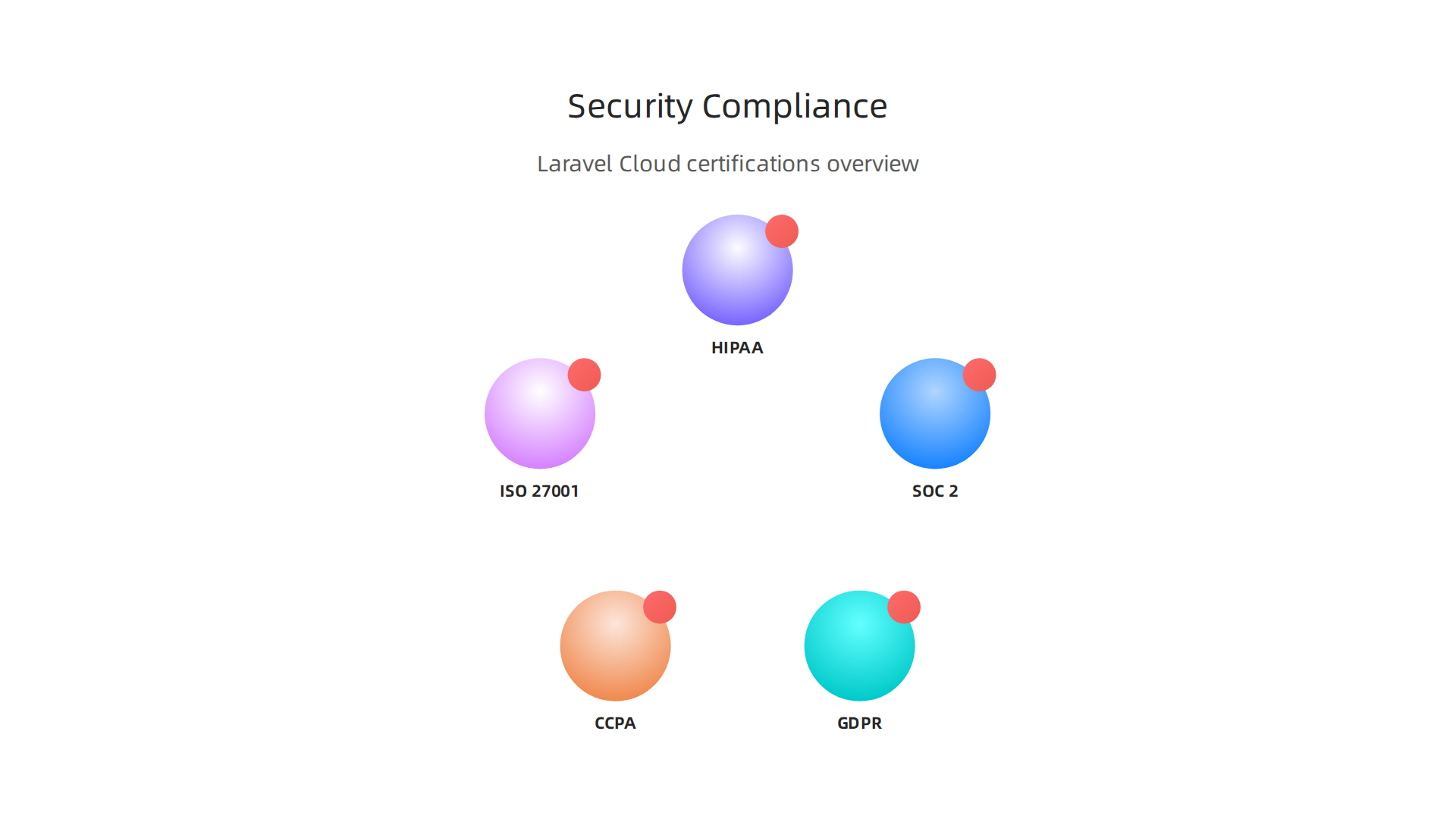
This certification is a big deal for enterprise buyers. As shared in this Laravel Cloud SOC 2 Type 2 announcement, the platform also complies with GDPR and CCPA out of the box. Laravel Cloud plans to pursue ISO 27001 and HIPAA compliance in 2026, which will cover even more regulated industries.
What does this mean for you? When your procurement team asks for compliance proof, Laravel Cloud already has it. The platform uses Cloudflare’s Web Application Firewall (WAF) and DDoS mitigation by default. It encrypts data at rest and in transit. You also get single sign-on, role-based access control, and detailed audit logs. For teams that need the highest isolation, Laravel Private Cloud provides dedicated compute and private VPC routing, as described on the enterprise security page for Laravel Cloud.
But here is the thing. No cloud platform does all the work for you. Security follows a shared responsibility model. The platform secures the infrastructure. You secure your application code, user access policies, and data handling practices. Even if your cloud provider has SOC 2 certification, your application still needs its own audit. As one cybersecurity discussion points out, a cloud app on a SOC 2 platform does not inherit that compliance. You still need your own controls and audit.
Enterprises must also consider vendor lock-in and data sovereignty. If you deploy on a platform like Laravel Cloud, you rely on its compliance roadmap. If your business expands to regions with strict data laws, you need to know where your data is stored and how it is protected. The differences between SOC 2, GDPR, and ISO 27001 matter depending on your market. Choosing a platform that aligns with your compliance needs from the start saves headaches later.
Another risk to consider: incident response. How quickly does the platform alert you to breaches? Laravel Cloud provides detailed logs of every action, so your team can investigate issues fast. But you also need your own incident response plan. Relying only on the platform leaves gaps.
Building trust with your enterprise customers means showing them you have thought about security end to end. The principles of building enterprise AI trust with human oversight and guardrails apply here too. Transparency, auditability, and continuous monitoring are non-negotiable.
To stay ahead of security trends and compliance changes, make sure you are getting regular, clear updates. The AI and tech landscape shifts fast. The AI Newsletter Worth Reading delivers daily insights on AI, security, and enterprise technology straight to your inbox.
Total Cost of Ownership: Pricing Models and ROI Analysis
Pricing is one of the first questions enterprise teams ask when comparing deployment options. On the surface, Laravel Cloud, Vapor, and Forge look like they have simple price tags.

But the real cost comes from how your application behaves under different workloads. You need to look past the base price and understand what you actually pay for compute, storage, bandwidth, and management time.
Laravel Vapor uses a serverless pricing model. You pay for the number of requests and how long each request runs. This works well for apps with unpredictable traffic because you only pay for what you use. But there is a catch. Vapor runs on your own AWS account, so you also pay for the underlying AWS services like RDS, S3, and data transfer. Those costs add up quickly, especially if you have high traffic or large databases. For example, one team using Vapor for a year shared their cost review in a Laravel Vapor review from Fathom Analytics and noted that while the HTTP layer scales infinitely and reliably, the database costs remain fixed and can be significant. You also need to manage Lambda limits and cold starts, which adds hidden DevOps time.
Laravel Forge, on the other hand, uses a fixed per-server pricing model. You pay a monthly fee per server, and you can provision servers on providers like AWS EC2, DigitalOcean, or Linode. This gives you predictable costs for steady traffic. If your app gets a sudden spike, you need to manually scale or set up load balancers, which adds cost. Forge is great for agencies or projects where you want root access and fixed monthly bills, as noted in a comparison of best PaaS for Laravel in 2026. But for variable workloads, you might overpay for idle server capacity.
Then there is Laravel Cloud, which charges only for active compute. When your app is idle, it scales to zero and you pay nothing. This is ideal for proofs of concept, startups, or apps with quiet periods. Users migrating from Vapor to Cloud have reported up to 50% cost savings, according to the official Laravel Cloud vs Vapor comparison. However, if your app runs 24/7 with steady traffic, the pay-per-use model might be more expensive than a fixed server on Forge.
Hidden costs matter more than most teams expect. Data transfer between regions, storage for logs and backups, premium support plans, and the time your team spends on configuration and monitoring all add up. For enterprise workloads, you also need to consider migration expenses. Moving an existing application from one platform to another requires development hours, testing, and sometimes database restructuring.
To make a smart TCO decision, map your expected workload patterns. If you have spikes during business hours and quiet nights, a serverless or usage-based model like Laravel Cloud or Vapor likely saves money. If traffic is flat and predictable, Forge plus a small VPS is the cheapest entry point. Some teams use a hybrid approach: a fixed server for steady background jobs and serverless for the frontend.
Being strategic about cloud costs also means staying on top of industry trends. The same analytical approach that helps you compare Laravel Cloud pricing also applies to broader infrastructure decisions. For deeper guidance on evaluating infrastructure trade-offs, check out this practical guide on cloud research evaluation for smarter decisions.
The point is, do not choose a platform purely on sticker price. Run the numbers for your use case with realistic traffic forecasts. That is the only way to get an accurate ROI picture.
And while you are keeping an eye on costs, stay informed about the fast-changing tech landscape. The AI Newsletter Worth Reading delivers daily AI and enterprise technology insights straight to your inbox.
Migration Strategies: Moving from Traditional Hosting to Laravel Cloud
Moving your app from a traditional server setup to Laravel Cloud can feel like a big leap. But with the right plan, it is smoother than you might think. The key is to break the work into small, manageable pieces and test each step.
Code Adjustments You Will Need
Traditional hosting often relies on the local file system for storing uploaded files, logs, or cached views. Laravel Cloud uses a stateless architecture, so you need to switch to cloud storage like AWS S3 or Laravel Cloud’s built-in object storage. Update your config/filesystems.php to point to a cloud disk.
Queues are another big change. If you used a local database table for jobs in the past, move to a queue driver like SQS, Redis, or the database table that Laravel Cloud handles automatically. The same goes for sessions and cache. Use Redis or the database driver instead of the file driver.
Environment-specific configuration often causes headaches. Hardcoded API keys or database names that work on one server fail on another. Use .env variables and your deployment pipeline to inject the right values for each environment.
Database and Deployment Pipelines
Your database connection needs a few tweaks. Laravel Cloud supports persistent database connections but you might want to enable connection pooling for high traffic. Run your existing migrations in a staging environment first to catch any SQL incompatibilities.
For zero-downtime deployments, use a strategy that swaps old and new versions gradually. Laravel Cloud supports rolling updates and blue/green deployments. Set up a CI/CD pipeline using GitHub Actions or GitLab CI. Before you push to production, run all tests and have a rollback plan ready. The same approach used for managing enterprise software migrations works here, as seen in a detailed guide on enterprise software migration strategies.
Watch Out for These Common Pitfalls
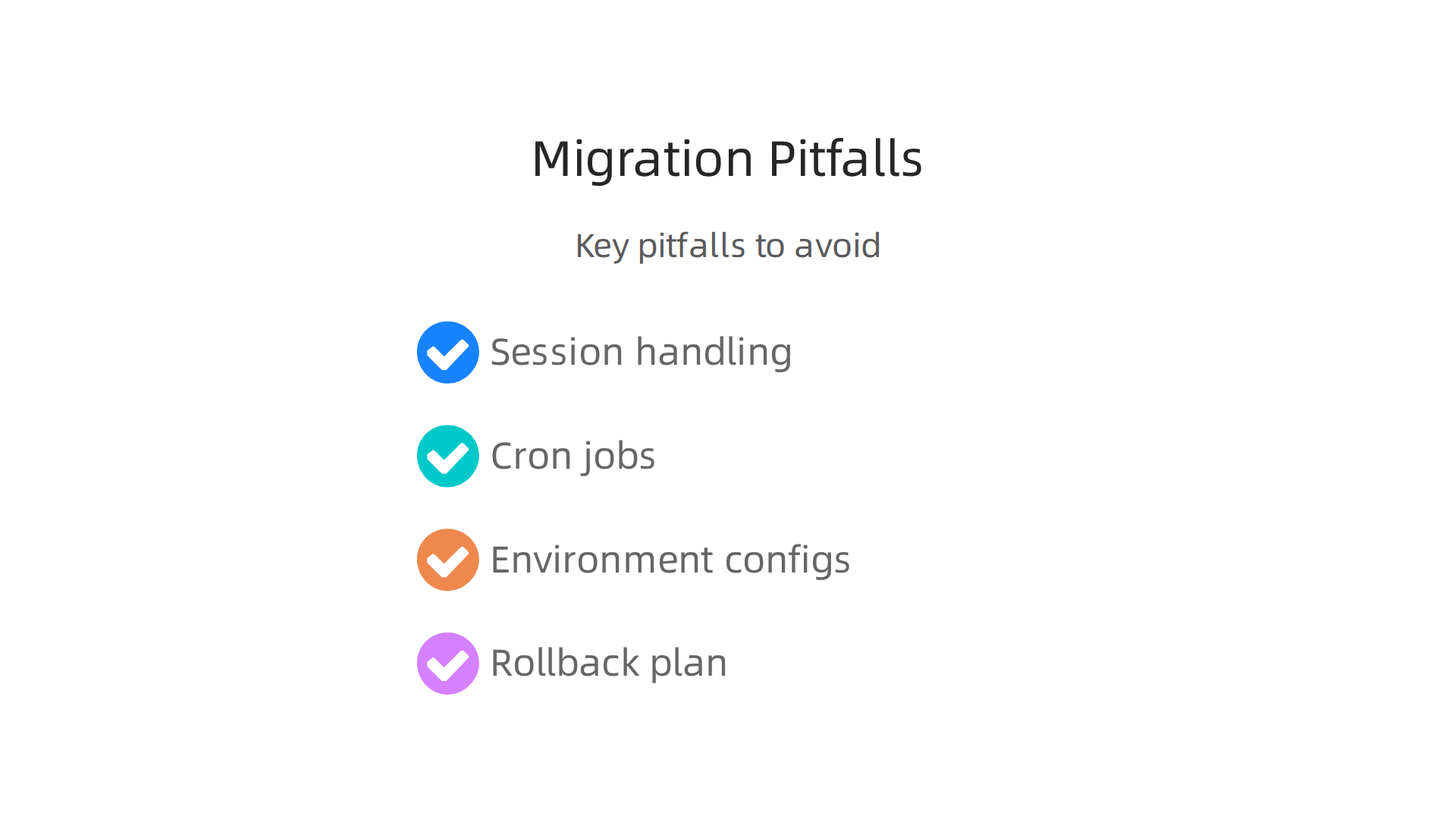
Session handling trips up many teams. Traditional servers store sessions in files that disappear when a new container spins up. Use a centralized session driver like Redis or the database.
Cron jobs are another trap. You cannot rely on a single server’s cron daemon. Instead, use Laravel’s task scheduler with a single schedule:run command triggered by a queue worker. Laravel Cloud runs this automatically for you.
Environment configs that depend on server paths or IP addresses will break. Always use environment variables for everything.
Finally, test your rollback. If something goes wrong during the migration, can you flip back to your old hosting in minutes? Practice the rollback at least once in staging.
The Bottom Line
Migration to Laravel Cloud is not a lift-and-shift. It requires intentional changes to file storage, queues, sessions, and deployment. But once you make those adjustments, you get a platform that scales automatically and stays secure.
And while you are modernizing your infrastructure, staying informed about the latest cloud and AI trends helps you make better decisions. The AI Newsletter Worth Reading delivers clear daily updates straight to your inbox.
Future Trends: Serverless, Edge Computing, and AI Integration
Once your app is migrated and running smoothly, what comes next? The Laravel ecosystem is moving fast. Three big trends will shape how you build and scale in the coming years: serverless compute, edge deployment, and deep AI integration. Understanding these shifts now helps you make smart decisions about your long-term tech stack.
Serverless and Edge Go Mainstream
Laravel Cloud already supports scaling to zero, where your app sleeps when idle and wakes in under 500 milliseconds. This is serverless in the true sense. You only pay for the compute you actually use. And with managed queues that scale to zero automatically, the days of overprovisioning are ending.
Edge computing takes this a step further. Instead of running your app in one central data center, edge nodes run your code closer to users around the world. This cuts latency dramatically. For example, a user in Tokyo gets served from a node in Japan, not a server in Virginia. Laravel Cloud’s multi-region support, including new regions like eu-west-1, makes edge-friendly architectures easier to set up. The platform is becoming a truly cloud native technology that handles global performance automatically.
AI Becomes a Core Feature
Here is where things get really interesting. In 2026, adding AI to your Laravel app is no longer an experiment. It is a standard expectation. Teams are integrating large language model (LLM) APIs, vector databases for semantic search, and AI-assisted debugging into their daily workflows.
Laravel’s queue system and modular architecture make it an ideal backend orchestration layer for AI. You keep authentication, validation, and business logic in Laravel. AI providers only return intelligence. This separation keeps your architecture clean and manageable. Many teams are starting with one AI use case, like smart search or AI-assisted drafting, then measuring results before scaling. A detailed look at Laravel AI development trends in 2026 shows that backend-first AI, running in queues and with audit logging, is the most sustainable approach.
Vector databases are also becoming common. Storing embeddings for documents, products, or support tickets lets you query by meaning rather than exact keywords. Laravel’s Eloquent ORM can work with vector stores through dedicated packages, making search far more intelligent.
Why Enterprise Leaders Should Watch This Space
The platform’s innovation trajectory matters. If you choose a hosting platform today, you want to know it will keep adding features that matter tomorrow. Laravel Cloud’s recent updates include managed queues, serverless Postgres, and an expanding API. These are not just incremental improvements. They signal a commitment to serverless and AI-native infrastructure.
As you evaluate your options, consider how each platform supports these future trends. You can read a detailed comparison of best PaaS options for Laravel in 2026 to see how Laravel Cloud stacks up against alternatives. For enterprise teams, the ability to integrate AI without rewriting your entire stack is a huge advantage. Start small, measure costs, and scale what works. The same principles apply to adopting any new technology, as outlined in a practical guide on enterprise AI adoption in 2026. Aligning your platform choice with these trends now will save you from costly migrations later.
Summary
This article provides a practical, data-driven guide to choosing and operating Laravel cloud platforms in 2026, comparing first-party options (Forge, Vapor, Laravel Cloud) and popular third-party hosts. It explains how each approach handles scaling, costs, deployments, and enterprise needs like compliance and vendor lock-in, and it shows when fixed servers, serverless, or a managed platform make sense. You’ll get concrete migration advice—what to change in storage, queues, sessions, and deployment pipelines—plus a checklist of pitfalls to avoid during a move. The piece also covers performance trade-offs (cold starts, Octane, multi-region latency) and how cost models affect total cost of ownership for steady vs. spiky traffic. Finally, it outlines near-term trends—edge nodes, serverless scaling to zero, and AI integrations—so you can pick a platform that supports future priorities. After reading, you’ll be able to evaluate options for your workload, plan a migration with minimal downtime, and estimate likely costs and compliance considerations.