
The Modern Software Development Toolkit for Enterprise Teams in 2026

For big companies with many people making software, things can get really tricky. Imagine trying to build a huge Lego castle, but everyone has different types of Lego bricks, different instructions, and even different tools to put them together. That’s a bit like what happens in enterprise software teams today. Teams often use too many separate tools for their work. This makes things confusing and slow.
This problem is called "tool sprawl" or "fragmentation." It means there are so many software tools that they don’t always work well together.

In fact, a recent report from 2025 found that 75% of developers lose 6 to 15 hours every single week because of having too many tools that don’t connect easily 2025 State of Internal Developer Portals. This lost time can really add up.
This is why a modern software development toolkit is so important for enterprise teams in 2026. A good toolkit is like having one big, organized box of Lego bricks and clear instructions for everyone. It brings together all the different parts of building software, from writing code to testing it and making sure it runs smoothly. For example, tools that connect your code stored on platforms like AWS GitHub or help you manage files with AWS S3 sync are key. You might also see many different aws icons representing various services that need to work together.
This guide will help you understand what makes up an essential software development toolkit today. We will look at practical, proven ways to pick the right tools and how leaders can tell which ones are best for their teams. Our goal is to make sure your developers spend more time creating amazing software and less time fighting with unconnected tools.
Staying on top of new technology, especially AI, is also a big part of modern software development. New AI tools are changing how we build things quickly. For daily insights into these changes, consider getting The AI Newsletter Worth Reading. It can help you keep up.
Core components of a modern software development toolkit
So, what exactly goes into this essential software development toolkit in 2026? Think of it as a collection of specialized tools that each do an important job, but they all fit together to make building software much easier. Here are the main parts:
Integrated Development Environments (IDEs) and Code Editors
First up are IDEs and code editors. These are the special programs where developers write their code. A code editor is like a fancy notepad for coding. An IDE is like a super-powered code editor with many extra features. It can help developers by:
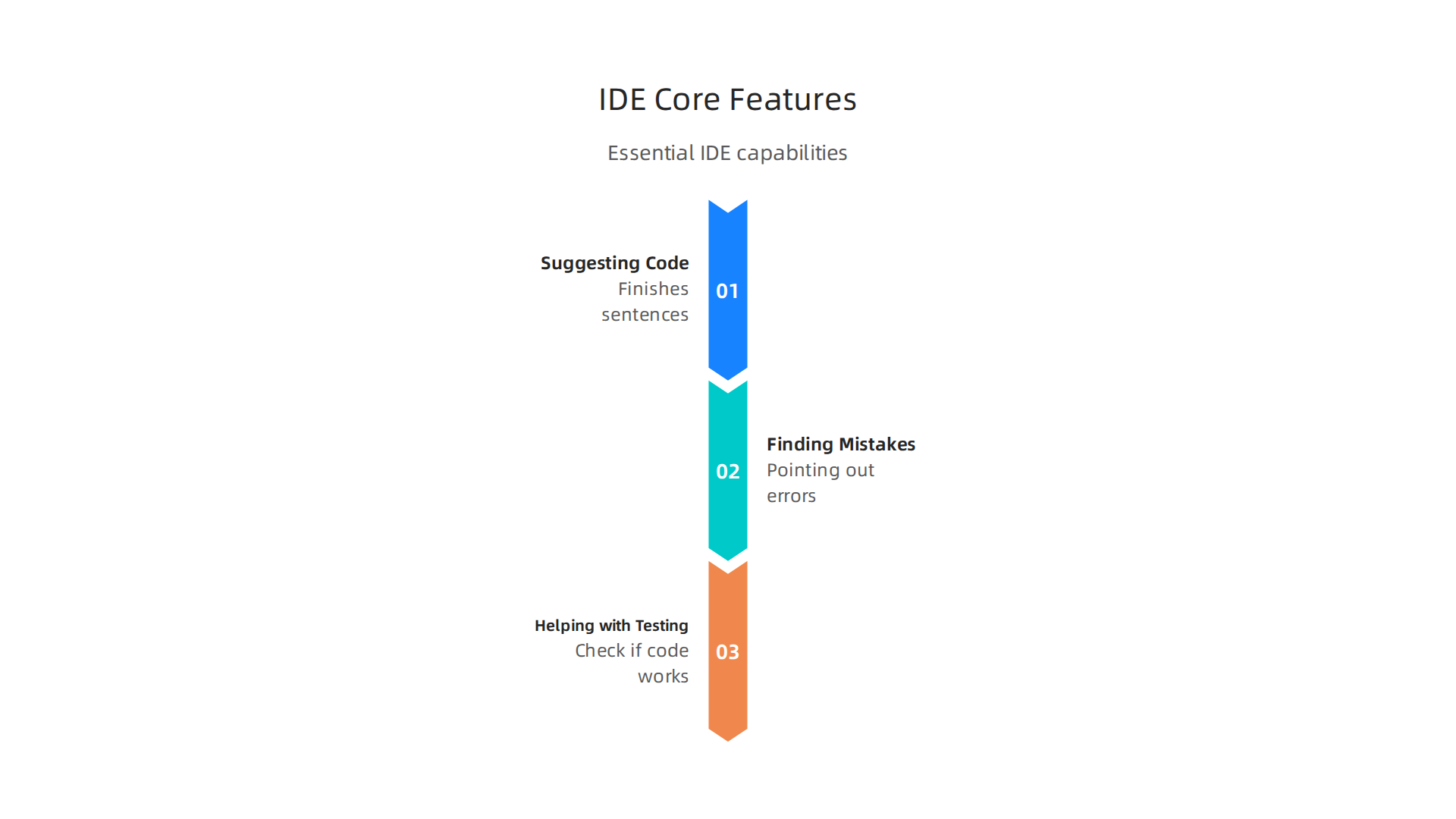
- Suggesting code: Like a smart assistant that finishes your sentences.
- Finding mistakes: Pointing out errors as you type, before you even run the program.
- Helping with testing: Making it easier to check if the code works as planned.
Popular IDEs and editors often connect with other tools easily. This makes a developer’s daily work much smoother.
Language Runtimes and Software Development Kits (SDKs)
Next, we have language runtimes and SDKs.
- Language runtimes are like the engines that make your code actually run. If you write code in Java, you need a Java runtime for it to work. In 2026, languages like Python, TypeScript, and Java are still very important for enterprise software, each with its own runtime environment Top Programming Languages in 2026.
- SDKs are like ready-made toolboxes for specific tasks. They offer pieces of code and tools to help developers build for certain platforms or services. For example, if you’re building an app that uses Amazon Web Services, you’ll need an AWS SDK. These SDKs help you interact with services like AWS S3 sync for storing files or manage code that lives on platforms like AWS GitHub. Different aws icons often show the many services available that an SDK can help you connect to.
Package Managers
Imagine you’re building a house, and you need special parts like door handles or windows that you didn’t make yourself. A package manager is like a smart helper that finds, downloads, and manages all the ready-made pieces of code (called "packages" or "libraries") that your project needs. It makes sure you have the right versions and that they all work together. This saves developers a lot of time from having to build everything from scratch.
Build Tools
Once the code is written and all the packages are in place, you need build tools. These tools take all the separate pieces of code, turn them into a complete program, and get it ready to be used. They automate the steps of compiling, packaging, and sometimes even running initial tests. This is a vital part of the SDLC best practices and tools: A complete guide (2026).
Linters and Formatters
Finally, linters and formatters are like the grammar and style checkers for code.
- Linters look for potential errors, bad coding practices, or things that might cause problems later.
- Formatters make sure all the code looks neat and follows the same style rules.
These tools help keep code clean and easy for everyone on the team to read and understand. This is especially important in big companies where many people work on the same code.
Why Integration Matters So Much
The true power of a modern software development toolkit comes from how well these parts work together. If your IDE can automatically use your language runtime, pull packages with your package manager, and then use your build tool, everything flows. It means developers don’t have to jump between many different tools or spend time figuring out how to make them communicate.
Good integration lets developers focus on creating new features and fixing problems, rather than wrestling with their tools. It helps prevent "tool sprawl" by creating a single, connected workspace, boosting overall developer productivity. For enterprise leaders, understanding these tools and how they combine is key to building a strong team and delivering great software. Being a strong leader in this area means understanding the Key Software Development Engineering Roles and Skills in 2026 required to use these toolkits effectively.
Choosing the right tools for your software project is a very important decision. It is like choosing the best materials and equipment before building a house.

The programming language you pick and the tools that go with it form a big part of your overall software development toolkit. In 2026, different languages fit different needs, and knowing which one to use is key for enterprise leaders.
Comparing Language Ecosystems and Toolchains
Each programming language comes with its own "ecosystem" of tools and ways of working. Let’s look at some popular choices:
- Java: This is often called an "enterprise workhorse" because many large companies use it for big systems like banking software and insurance apps. Java has strong long-term support (LTS) versions, which means it gets updates and help for many years, making it very stable for businesses. For example, Oracle offers premier support for Java LTS versions for many years, with some extending through 2031, providing stability for enterprise teams Java SE Support Roadmap. Its toolchain includes powerful IDEs like IntelliJ IDEA, build tools like Maven and Gradle, and many ready-made code libraries. Java 26, released by Oracle in 2026, is improving AI integration and encryption, though it is not an LTS release Oracle launches Java 26 to boost AI integration and encryption.
- Python: Python is loved for its simplicity and is a top choice for data science, machine learning, and artificial intelligence. Its toolchain often includes editors like VS Code, package managers like pip, and frameworks like Django or Flask for web development. Python’s ease of use makes it a strong option for many projects, especially when quick development is important Reading the 2026 developer survey language signals like a ….
- JavaScript/TypeScript: JavaScript is everywhere on the internet, powering most website front ends. TypeScript builds on JavaScript, adding rules that help prevent mistakes in bigger projects. Their toolchains involve Node.js for server-side code, package managers like npm or yarn, and various frameworks like React or Angular.
- Go and Rust: These languages are newer but growing fast, especially for tasks needing high performance, security, or handling many things at once (concurrency). Go is great for building network services and tools, while Rust is known for its speed and safety, often used in system programming. Many enterprises are using Rust for their production work in 2026 Rust vs Go vs Python in 2026: The Programming Language War ….
Using an SDK for any of these languages can help you connect to cloud services easily. For example, if you’re working with Amazon Web Services, an AWS SDK can streamline tasks like using aws s3 sync for storage or integrating with aws github repositories. Understanding various aws icons can also help you navigate the many services an SDK can connect to.
How to Choose the Right Language Stack
Picking the best language and toolchain depends on several important factors for your software development toolkit:
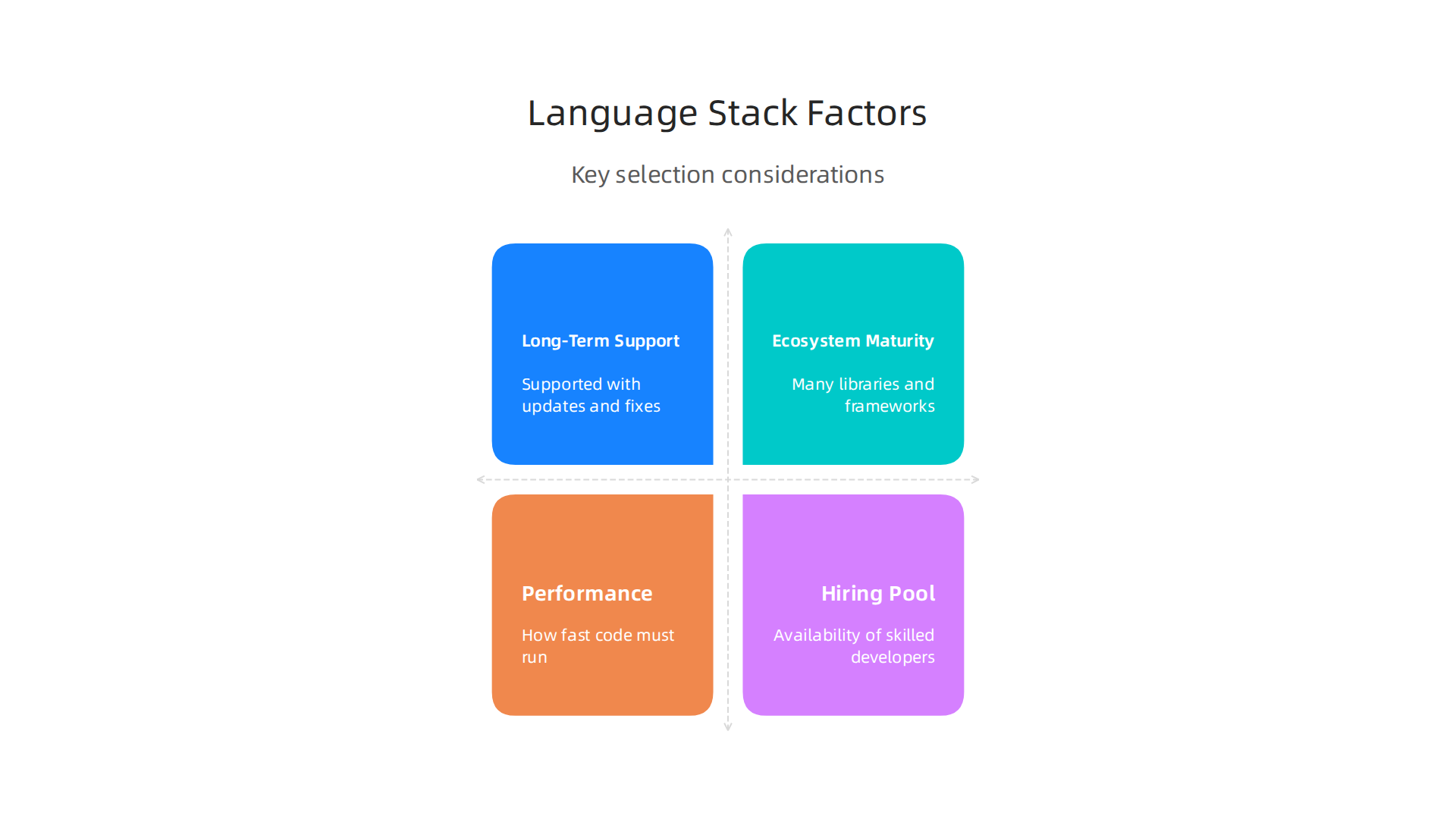
- Long-Term Support (LTS): For big company software, you want languages with strong LTS plans. This means the language and its tools will be supported with updates and security fixes for many years. This is very important for stability and future planning, ensuring your software keeps working well.
- Ecosystem Maturity: A mature ecosystem means there are lots of ready-made libraries, frameworks, and tools. This helps developers build faster because they don’t have to create everything from scratch. It also means more community support and resources available when problems arise.
- Performance: How fast does the code need to run? For applications that need to be super quick or handle a lot of users at once, performance is a big deal. Some languages are naturally faster than others.
- Hiring Pool: Can you find good developers who know this language? If a language is very niche, it might be hard to hire people to build and maintain your software. Languages like Java, Python, and TypeScript have large groups of skilled developers available, which is good for businesses. Understanding how to find and keep these talented individuals is part of building a strong enterprise team. You can learn more about how to recruit and retain top talent with a software engineer fellowship.
By carefully thinking about these points, enterprise leaders can choose the best language and toolchain for their projects. This choice directly impacts how quickly and reliably software can be built and maintained.
Choosing the right programming language and its tools is just the start. After you decide on your language, you need good ways to build, test, and deliver your software quickly and without many problems. This is where DevOps, Continuous Integration (CI), Continuous Delivery (CD), and strong infrastructure tools become super important parts of your software development toolkit. They are like the special machines and systems that make sure your house gets built right and on time.
DevOps, CI/CD, and infrastructure tooling: the backbone of delivery
DevOps is a way of thinking that brings together software development and IT operations teams. It helps them work better together. CI/CD pipelines are a big part of DevOps. CI stands for Continuous Integration, which means developers regularly add their new code to a main shared place. This code is then automatically built and tested. CD stands for Continuous Delivery, which means that once the code passes all tests, it is ready to be sent out to users at any time.
These practices help companies deliver software much faster and more reliably.

Key CI/CD Platform Types
In 2026, many different CI/CD platforms help teams automate their work. Some popular ones include:
- Jenkins: This is an open-source tool that lets you automate almost any part of your software building, testing, and delivery. It’s very flexible but can be complex to set up.
- GitLab CI/CD: This is built right into the GitLab code hosting platform. It makes it easy to set up pipelines for your projects stored there.
- GitHub Actions: Like GitLab CI/CD, this is built into GitHub. It lets you automate tasks directly within your code repositories. If you use
aws githubfor your code, GitHub Actions can work very well with it. - Cloud-based Services: Many cloud providers offer their own CI/CD tools. For example, Amazon Web Services (AWS) has services like AWS CodePipeline, AWS CodeBuild, and AWS CodeDeploy. These can connect smoothly with other AWS tools, making it easy to manage everything in one place.
These tools greatly improve how often you can release new software. Top-performing teams, often called "Elite" teams, can deploy software multiple times a day. Their "lead time," which is the time from when a developer writes code to when it’s live for users, can be less than an hour. This shows how efficient good CI/CD pipelines are in 2026, leading to a huge difference compared to teams that deploy less than once a month or have lead times over a month DORA Metrics: Complete Guide for Engineering Teams (2026).
Infrastructure-as-Code (IaC) Tools
Another vital part of the software development toolkit is Infrastructure-as-Code (IaC). This means you manage and set up your computer servers, networks, and other infrastructure using code instead of doing it by hand. Imagine writing down exactly how your server should be built in a file, and then a tool makes it happen.
Some common IaC tools are:
- Terraform: This tool works across many different cloud providers like AWS, Azure, and Google Cloud. It lets you write code once to set up infrastructure in various places.
- AWS CloudFormation: This is AWS’s own IaC service. It helps you manage AWS resources by writing templates. It’s great if your projects are mostly on AWS.
Using IaC helps make sure your infrastructure is always set up the same way, which reduces mistakes. It also makes setting up new environments much faster. For instance, you could use IaC to define your storage needs and then use commands like aws s3 sync to manage files between different storage locations, understanding the purpose of various aws icons to pick the right service. This practice leads to more consistent and reliable deployments. It also makes it easier to track changes and go back to an earlier setup if something goes wrong. In fact, splitting complex infrastructure deployments into smaller, independent parts is a recommended best practice for cloud infrastructure Cloud infrastructure provisioning: best practices for IaC.
Container and Orchestration Choices
To make software delivery even better, teams use containers and orchestration tools:
- Containers (like Docker): Think of a container as a small, separate box that holds your software and everything it needs to run. This box works the same way everywhere, whether on a developer’s computer or a company server. This means "it works on my machine" becomes "it works everywhere," solving a lot of common problems.
- Orchestration (like Kubernetes): When you have many containers running at once, managing them all can be tricky. Kubernetes is a tool that helps you manage these containers automatically. It makes sure they are running, restart if they fail, and can handle a lot of traffic.
These tools are important for reliability because they ensure your software runs consistently. They also greatly help with rollback strategies. If a new version of your software has a problem, container orchestration tools can quickly switch back to an older, working version, reducing downtime. This helps teams to accelerate enterprise software delivery with agile SDLC while keeping things stable.
In summary, a strong software development toolkit in 2026 goes beyond just programming languages. It includes powerful CI/CD platforms, smart Infrastructure-as-Code, and flexible container and orchestration systems. These tools work together to ensure software is delivered quickly, reliably, and can be easily fixed if problems arise, giving enterprise leaders confidence in their development process.
Get clear daily AI updates from The Deep View Newsletter. The AI Newsletter Worth Reading
After setting up powerful systems for building and delivering software, the next big step in a modern software development toolkit is making sure that software works well and stays that way. This means using strong testing and observability tools. These tools are super important because they help teams find problems early and keep an eye on things after the software is released. This way, they can deliver new features quickly without adding extra risks.
Making sure software works with testing
Testing is like checking your work before turning it in. There are different kinds of tests, and smart teams use many of them automatically.
- Unit and Integration Tests: Unit tests check small parts of your code to make sure each piece works as it should. Integration tests check if different parts of your software work together correctly. These tests run very quickly, often every time a developer makes a change to the code.
- End-to-End Tests: These tests check the whole software, from start to finish, just like a user would use it. They make sure that all the pieces, including the user interface and databases, are working together. Running these tests helps catch problems that smaller tests might miss.
- Feature Flagging: This smart trick lets you turn new features on or off without releasing new code. It’s like having a switch. You can launch a new feature to only a small group of users first. If there’s a problem, you can just flip the switch to turn it off for everyone instantly. This greatly reduces risk when putting out new things.
By using many kinds of automated tests, teams can find and fix problems much faster. This makes the software more reliable and gives users a better experience. As part of a complete software development toolkit, good testing tools are non-negotiable for 2026. You can learn more about how testing fits into the broader picture in a SDLC best practices and tools: A complete guide (2026).
Seeing inside your software with observability
Even with the best testing, problems can still pop up once software is out in the real world. This is where observability comes in. Observability means you can understand what’s happening inside your software system just by looking at the data it sends out. It’s like having X-ray vision for your applications.
The main parts of observability include:
- Logs: These are like diary entries from your software, recording events and actions. When something goes wrong, logs can help you trace back what happened.
- Metrics: These are numbers that tell you about your software’s health, like how fast it’s running, how many users are online, or how many errors are happening. They give you a quick overview of how things are performing.
- Traces: Tracing helps you follow a single request as it moves through different parts of your software. This is very useful for finding slowdowns or errors in complex systems.
Many companies are now focusing on observability to improve their systems. Top observability platforms in 2026 help teams collect and analyze all this data to quickly find and fix issues. Leading platforms include Datadog, Dynatrace, and Grafana Labs, each with their own strengths 8 Best Observability Platforms for 2026. Another good place to look for options is the Best Observability Platforms Reviews 2026 from Gartner Peer Insights. Understanding what’s happening in your systems is critical, and knowing how to build good monitoring solutions is key for software architects A Software Architect’s Guide to Building Effective Monitoring Solutions.
The feedback loop for better software
Testing and observability work together like a team. Testing tries to stop problems before they start by catching bugs during development. Observability, on the other hand, helps you see and understand problems that happen after your software is released.
This creates a helpful feedback loop:
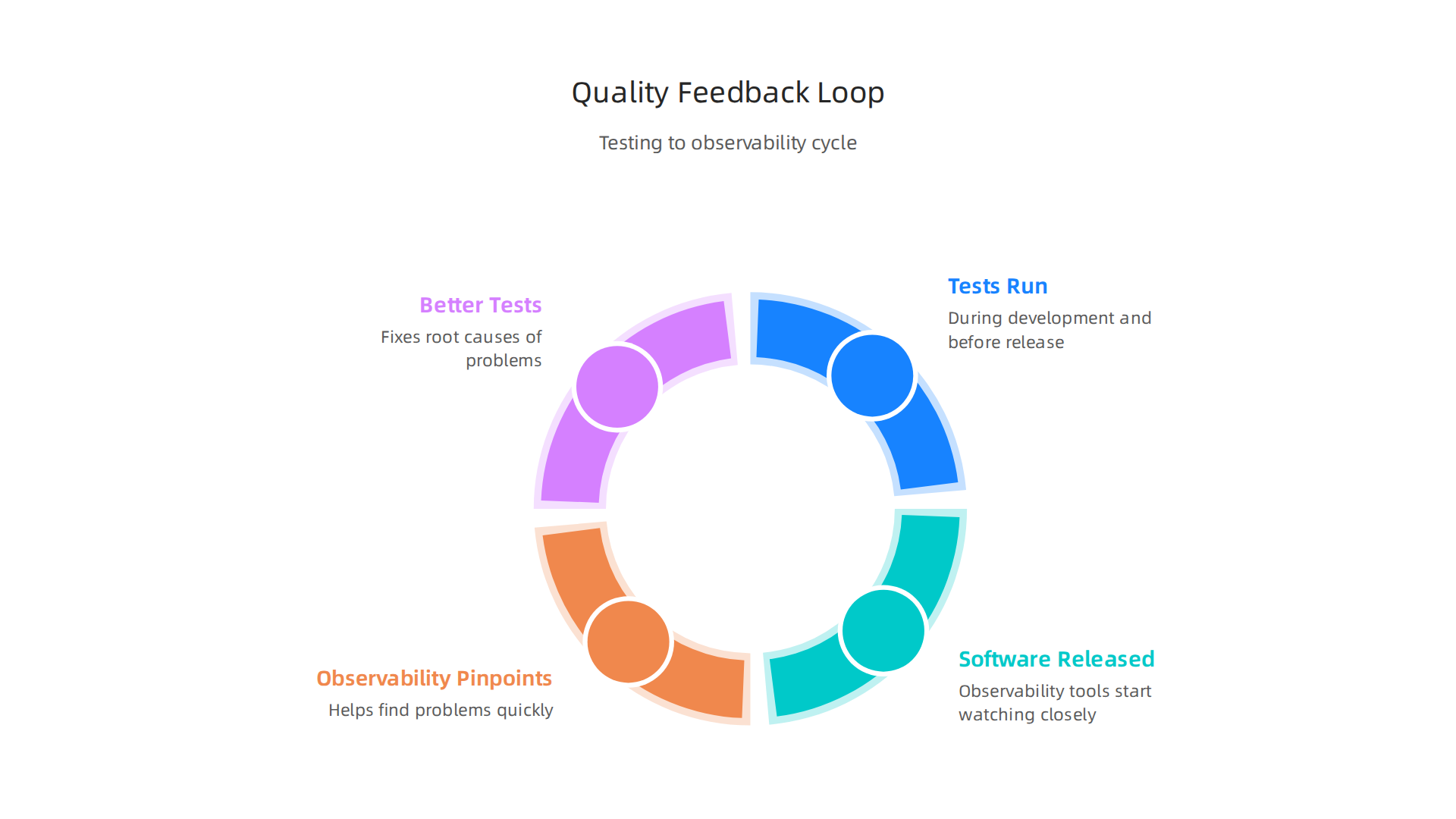
- Tests run during development and before release, finding issues.
- Software is released, and observability tools start watching it closely.
- If problems happen, observability helps pinpoint them quickly.
- The information from observability helps developers create better tests and fix the root causes of problems.
This loop means that every time you release software, you learn more, and your software gets better and more reliable. This integrated approach is a key part of choosing the right software development toolkit in 2026 for building high-quality enterprise software. It’s how teams reduce risks and make sure their software is always working its best for users.
Making software that works well is only half the battle. The other half is making sure it is safe from bad actors and follows all the important rules. This is where security, compliance, and how you manage all the different parts of your software come in. Just like testing and observability, these are key pieces of a modern software development toolkit in 2026. They help teams build safe software from the very start, which is called "shifting left."
Seeing What’s Inside Your Software
Imagine your software is a big cake. You know all the main ingredients you put in, but what about the ingredients in those ingredients? Many programs today use open-source code or parts made by others. This is great for speed, but these parts can sometimes have security holes.
- Software Composition Analysis (SCA): Tools for SCA act like a careful checker for your cake’s ingredients. They scan all the open-source parts you use to find any known security problems or special rules about how you can use them. This is very important for reducing risks.
- Software Bill of Materials (SBOM): An SBOM is like a complete ingredient list for your software. It names every single component, big or small, that makes up your application. In 2026, creating accurate SBOMs is a must-do. New rules from groups like CISA, NSA, and the FBI updated what an SBOM needs to include to make software supply chains safer and more transparent. You can learn more about the 2026 Minimum Elements for a Software Bill of Materials (SBOM). These SBOMs help everyone know exactly what’s in the software, which is crucial for spotting and fixing problems quickly. Tools can generate SBOMs in standard formats like SPDX or CycloneDX, making them easy to share and read. Many teams also store these SBOMs in secure places, perhaps using services like
aws s3 syncfor safe keeping.
Finding Security Problems Early
Besides knowing what’s inside, you also need to actively look for weaknesses.
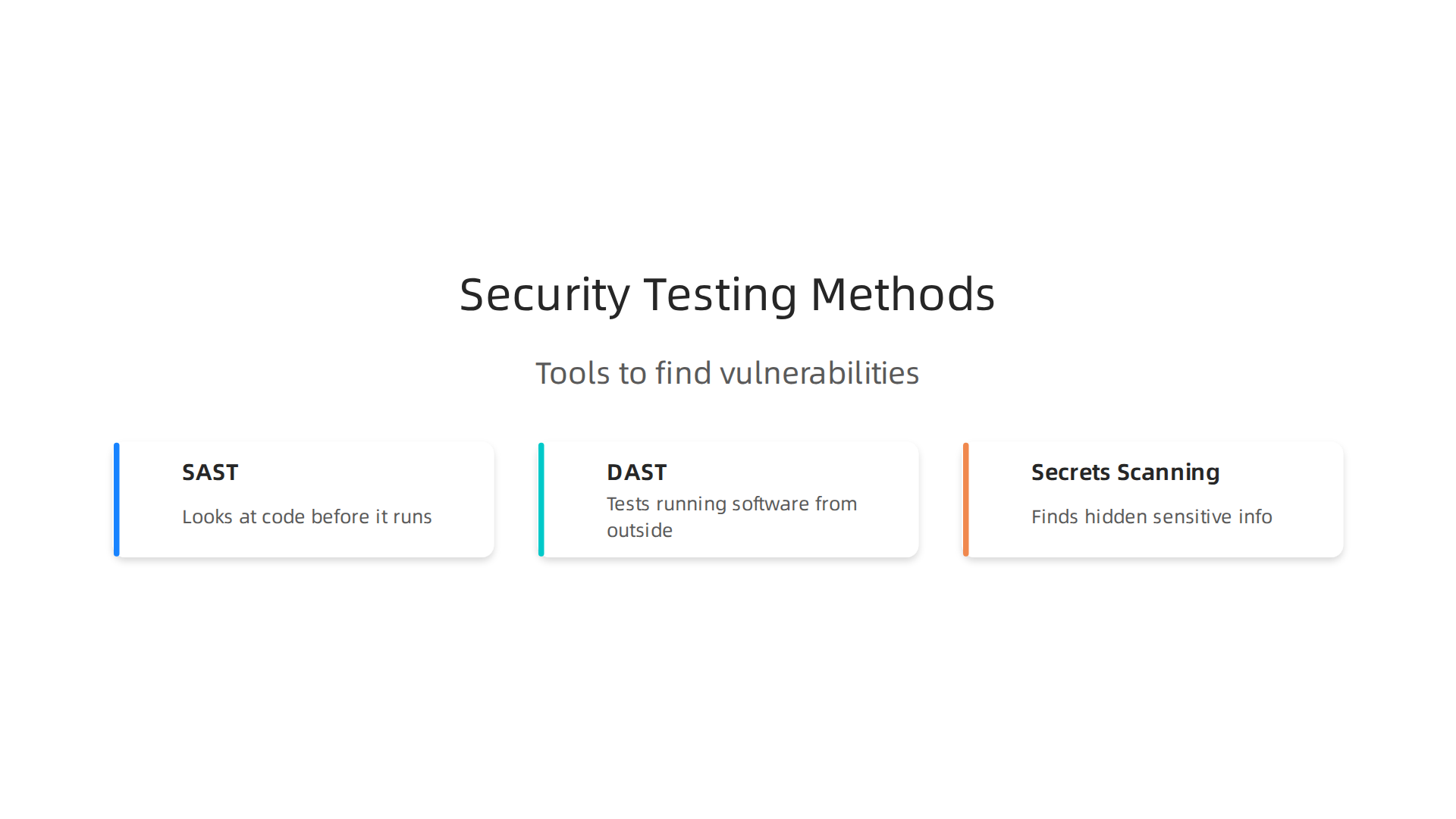
- Static Application Security Testing (SAST): Think of SAST as a grammar checker for security. It looks at your code before it runs, finding common mistakes or bad patterns that could lead to security issues. It’s like finding typos in a book before it goes to print.
- Dynamic Application Security Testing (DAST): DAST is like having a security expert try to break your running software. It tests the application from the outside, looking for vulnerabilities that only show up when the software is actually working. This helps catch things SAST might miss.
- Secrets Scanning: Developers sometimes accidentally put secret information like passwords, access keys for things like
aws github, or private tokens right into their code. Secrets scanning tools look for these hidden secrets and warn you to remove them before they can be stolen and used by bad guys.
Following the Rules with Automation
Many companies have to follow strict rules and laws about how their software is built and used. This is called compliance.
- Compliance Automation: Manual checks for compliance take a long time and can lead to mistakes. Modern
software development toolkits include tools that automate many compliance checks. They can make sure your software meets industry standards or government rules automatically. - Developer-Friendly Guardrails and CI/CD Enforcement: The best security tools don’t slow developers down. Instead, they provide "guardrails," which are like helpful hints or automatic checks that guide developers toward secure practices as they write code. These security checks are built right into the CI/CD (Continuous Integration/Continuous Delivery) pipeline. This means every time code changes, it automatically goes through security scans and compliance checks. This approach ensures that security is a continuous part of development, not just a last-minute thought. For more on building software processes, explore how to master modern agile software development project management for enterprise success.
By making security a core part of the software development toolkit and baking it into every step of the process, teams can deliver safer, more reliable software without slowing down innovation.
Choosing the right tools for your team is super important, especially for big companies. Just like making sure software is safe and follows rules, picking the best software development toolkit helps teams work faster and better. But how do you choose when there are so many options? And how do you make sure everyone uses them well?
How to Pick the Best Tools for Your Company
When you pick tools for a software development toolkit, it’s like choosing the right tools for building a house. You need to think about a few key things:
- What Your Business Needs: First, ask what problems you are trying to solve. Do you need to get new features out faster? Make your software more secure? Or save money? The tools you pick should help you reach these goals.
- Total Cost to Own (TCO): This isn’t just the sticker price of the tool. It’s about how much it costs over time. Think about how much work it takes to set up the tool, keep it running, and teach your team how to use it. A cheap tool that’s hard to use or expensive to maintain can cost more in the long run.
- How Easy It Is to Learn and Use: If a tool is too hard to learn, your team won’t want to use it, or it will slow them down a lot. Pick tools that are easy for new people to get started with and that fit how your team already works.
- Getting Stuck with One Company (Vendor Lock-in): Can you easily move your work to a different tool later if you need to? Or will you be tied down to one company’s tools for good? Choosing flexible tools can save you headaches later. For more help selecting tools, explore how to evaluate and select the best cloud based productivity tools for your enterprise in 2026.
Making Tools Work for Everyone
Once you pick the tools, how do you make sure all your engineering teams use them well? This is where "governance patterns" come in.
- Platform Teams: Many companies now have special teams called "platform teams." These teams build and manage shared tools and services that all other developers use. For example, they might set up a common way to build code or deploy software. This way, every team doesn’t have to build the same things over and over. By 2026, it’s expected that most large software companies will have these kinds of teams, showing a growing trend in how companies manage their engineering tools and services State of Platform Engineering Report Volume 4. Actually, by early 2026, Gartner predicted that 80% of software engineering organizations would have platform teams Internal Developer Platform Is Not a DevOps Tool. To learn more about this approach, check out a strategic guide for platform engineering in 2026.
- Developer Experience (DevEx) Teams: These teams focus on making the lives of developers easier and more enjoyable. They work to reduce "friction" so developers can do their best work. This includes making sure tools are easy to use and helpful. This is important because studies show that many developers spend a lot of time dealing with too many tools, sometimes losing 6 to 15 hours each week because their toolkits are not well managed 2025 State of Internal Developer Portals. When companies use special platforms to make development easier, it often makes developers happier and more productive State of Developer Experience in 2025.
- Curated Internal Toolkits: Instead of letting every single team pick all their own tools, some companies create a "recommended" list or a set of approved tools. This means a central group picks the best tools for common tasks, like how to manage code with something like
aws githubor how to store files. This helps keep things organized, makes it easier to offer help, and means everyone is using tools that work well together.
By carefully choosing the right software development toolkit and setting up good ways for teams to work together, companies can make sure their developers are happy and productive.

This helps deliver great software faster and safer.
Get clear daily AI updates from The AI Newsletter Worth Reading.
Summary
This article explains what a modern software development toolkit looks like for enterprise teams in 2026 and why it matters. It breaks down core components—IDEs, language runtimes and SDKs, package managers, build tools, linters/formatters—and shows how integration between them reduces time lost to tool fragmentation. The guide covers delivery infrastructure such as CI/CD, IaC, containers and orchestration, plus testing, observability, security practices like SCA and SBOMs, and governance patterns like platform and DevEx teams. Readers will learn how to choose and integrate tools, evaluate trade-offs (LTS, ecosystem maturity, TCO, hiring), and set up processes that speed delivery while keeping software reliable and compliant.