
How AWS SageMaker Streamlines Feature Engineering for Enterprise Data Science

Why SageMaker Matters for Enterprise Data Science
Here’s a truth that every data science team learns the hard way. Building machine learning models is not the hardest part. Getting your data ready for those models is where the real work happens. In fact, feature engineering often eats up more time than training and deploying models combined.
That is exactly where aws sagemaker shines for enterprise teams. AWS SageMaker is a managed machine learning platform that helps you build, train, and deploy models at scale.
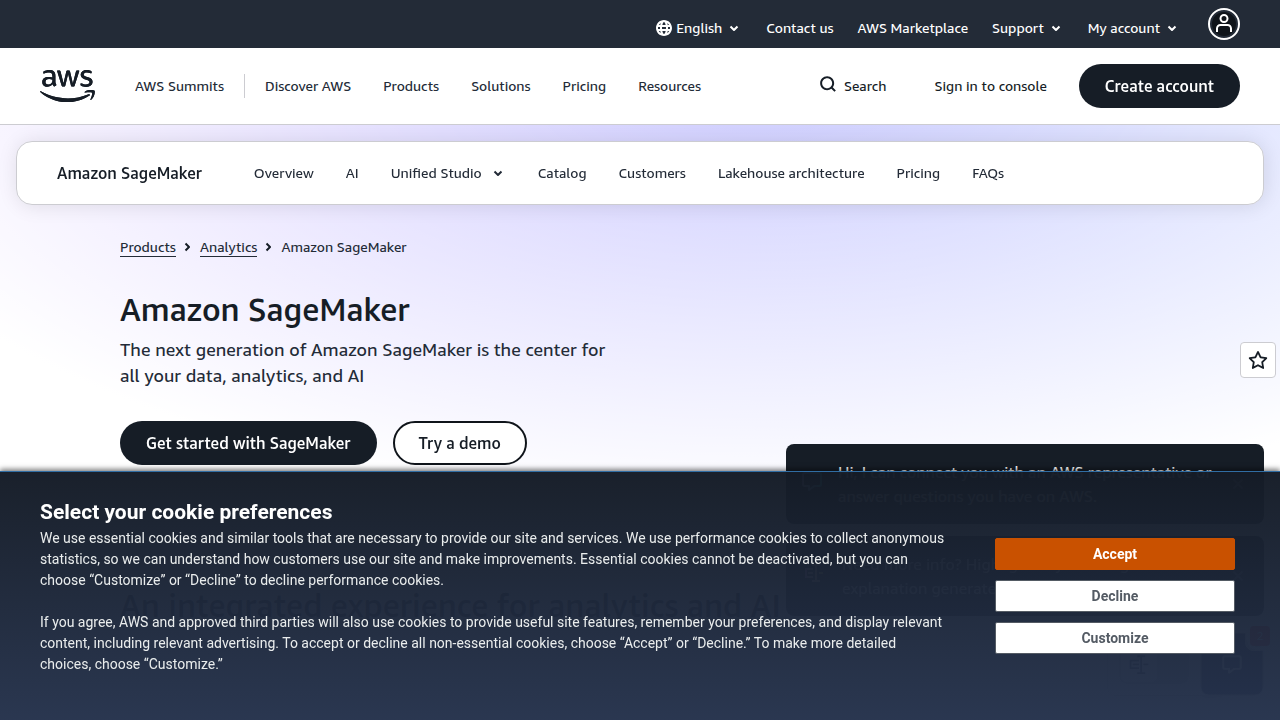
It wraps all the core AWS services like compute, storage, and containers into one easy to use environment. According to the AWS documentation, SageMaker now includes tools like Canvas for non coders and a Code Editor for developers. This means both data scientists and business analysts can work on the same platform.
But here is the thing. Most enterprises do not struggle with writing ML code. They struggle with the messy, manual work that comes before it. Feature engineering, data cleaning, and managing ever growing feature stores are real bottlenecks.

If you have spent any time on forums like data annotation reddit, you know how much teams wrestle with data quality. SageMaker addresses this directly with tools like Data Wrangler for preprocessing and a fully managed Feature Store to share and reuse features across models.
For enterprise leaders, the stakes are high. A data service center that lacks automation creates friction. Models take too long to reach production. Teams duplicate work.

And the cost of slow data science adds up fast.
This guide will walk you through why SageMaker matters in 2026, how it solves common data prep challenges, and where it still falls short. If you are exploring the broader landscape of enterprise AI adoption, understanding SageMaker is a smart first step.
And as you plan your AI strategy, staying current matters. That is why thousands of leaders rely on The Deep View Newsletter for daily, clear AI updates. It helps you cut through the noise and focus on what actually works.
Understanding the Foundations of AWS SageMaker
So, what exactly makes up the foundation of aws sagemaker? Think of it as a complete toolbox. Instead of stitching together separate AWS services, SageMaker gives you one integrated environment. This matters because the ecosystem is complex. If you have spent time on forums like data annotation reddit, you know how messy raw data can be.
At its core, SageMaker provides an end-to-end workflow. You have Studio for building models visually, Autopilot for automating the ML process, and Pipelines for managing the entire lifecycle.
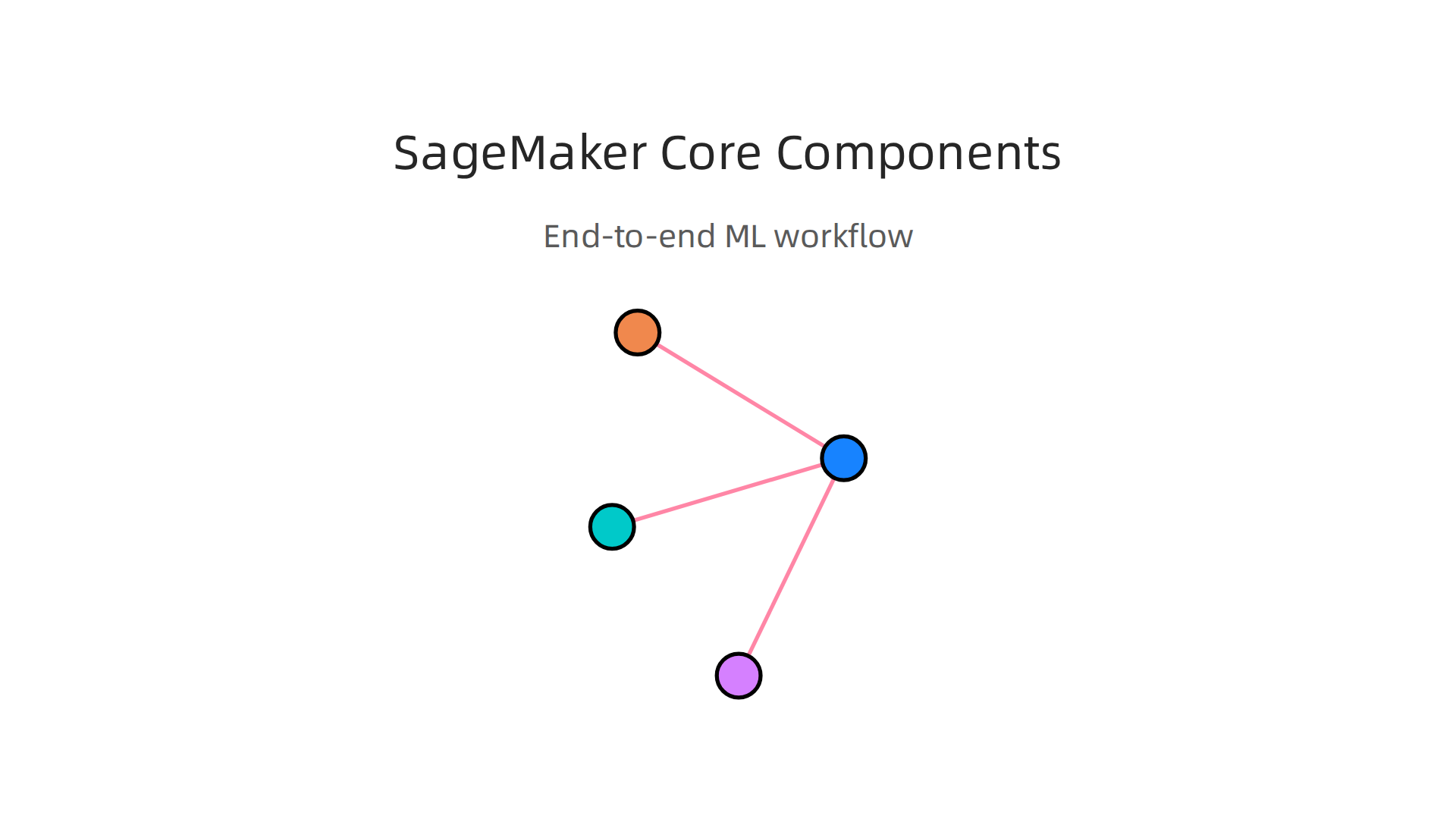
According to the AWS documentation, these tools handle the heavy lifting. An independent review notes that SageMaker is essentially a managed wrapper around AWS compute, storage, and containers. This makes powerful infrastructure accessible without manual setup.
But one component stands out for solving the feature engineering bottleneck: the Feature Store. It is a fully managed, purpose-built repository to store, share, and manage features. Before the Feature Store, data science teams often rebuilt the same features over and over for every new model. This wasted time and created inconsistencies. The Feature Store centralizes feature definitions and versioning. It serves features for both training and real-time inference. This means less duplication and much faster model iteration. In 2026, the platform got even stronger with Python SDK v3 support and better access controls.
For enterprises running a data service center, this consistency is gold. It means your models run on reliable data. It also changes data science jobs for the better. Data scientists spend less time on grunt work and more time on solving real business problems.

If you are exploring how to build a strong data foundation, check out this guide on data collection methods for enterprise AI in 2026.
The foundation of SageMaker is strong, but it is still just one part of a larger AI strategy. You don’t have to track it all alone. Thousands of leaders rely on The Deep View Newsletter to get clear AI updates that separate the hype from what actually works.
The Role of the SageMaker Feature Store
You already know the Feature Store is a central repository. But let’s dig into what makes it so powerful for your team’s feature engineering efforts. It acts as a single source of truth for all feature definitions and data. No more hunting through notebooks or S3 buckets to find the right feature. It is all in one place.
The Feature Store supports two modes: online and offline. Online mode serves features for low-latency real-time inference. Think of a recommendation engine that needs a response in milliseconds. Offline mode stores historical feature data for batch training. This split lets you reuse the same engineered features for both training and prediction, which cuts down on duplicate work.
Versioning and lineage tracking are built in. Every change to a feature is recorded. You can see who changed what and when. This is critical for compliance and reproducibility. If an auditor asks which features your model used in training, you have the answer instantly. According to the AWS documentation, the Feature Store is purpose-built to store, share, and manage features. Recent updates like Python SDK v3 support add better access controls through Lake Formation. The DEV Community notes that teams use it to manage extracted image features for computer vision models.
For anyone pursuing data science jobs in 2026, knowing how to use the Feature Store is a major advantage. It automates the grunt work of feature management. That frees you to focus on model performance. If you are building a large data service center, this consistency ensures models run on reliable data every time.
Want to stay ahead of enterprise AI trends? Thousands of leaders rely on The Deep View Newsletter for daily, clear updates that separate hype from reality.
Strategic Feature Engineering for Enterprise ML
You’ve spent hours manually creating features. Sound familiar? You try one transformation, then another. You test and retest. It takes forever. And worst of all, one small mistake can ruin your model. Manual feature engineering is slow and error prone. It does not scale well, especially when you are working with huge datasets in a data service center.
That is where SageMaker Autopilot comes in. Autopilot is a built-in feature of aws sagemaker that automates many of the hard parts of feature engineering. It automatically explores your data, creates new features, and selects the best ones for your model. According to the AWS documentation, Autopilot simplifies the machine learning workflow by automating data preprocessing, feature engineering, and model tuning. It even shows you what it did, so you can learn from the results.
But automation does not mean you should ignore best practices. The smartest way to use Autopilot is to start with your own domain knowledge. Think about which features matter most in your business. Then let Autopilot layer automated selection on top of that. You can also set constraints, like telling Autopilot to exclude certain fields. A guide from CloudThat explains how you can specify these constraints to keep feature engineering under control.
Once Autopilot builds your models, you can dig into feature importance analysis. SageMaker tells you which features drove the most impact. This helps you double check your assumptions. According to an AWS sample project on GitHub, Autopilot also supports model explainability, so you can understand why your model makes certain predictions.
For anyone looking at data science jobs in 2026, knowing how to use automated feature engineering is a huge plus. It shows you can work smarter, not harder. And if you are responsible for a data service center, Autopilot helps you standardize feature creation across teams. That means fewer errors and more reliable models.
Want to stay ahead of these AI tools and trends? Thousands of business leaders rely on The Deep View Newsletter for daily, honest updates that cut through the hype. It is a quick read that keeps you informed.
Automated Feature Engineering with SageMaker Autopilot
So how does aws sagemaker Autopilot actually automate the tricky parts of feature engineering? It starts by exploring your raw data automatically. According to the AWS documentation, Autopilot analyzes the dataset, creates candidate features, and selects the best ones for your model. No more manual trial and error.
The automation also connects with SageMaker Feature Store. Autopilot can save the generated features there, so you can reuse them across different models and projects. This cuts down on duplicate work and helps your whole data service center stay consistent.
Worried about trusting a black box? Autopilot gives you explainability reports. A guide from CloudThat shows how you can review the transformations Autopilot applied. You can even set constraints to keep certain features from being changed. This transparency helps enterprise teams feel confident about automated decisions.
If you are exploring how to build a strong AI pipeline, our article on enterprise AI adoption in 2026 gives you a strategic roadmap for bringing tools like Autopilot into your workflow.
Automation is powerful, but staying on top of the latest AI tools matters even more. Thousands of leaders read The Deep View Newsletter daily to get clear, hype‑free updates. It is a quick way to keep learning.
Scaling Data Preparation Pipelines with SageMaker Processing
So you have automated some of your feature engineering with Autopilot. But what about the raw data itself? Before Autopilot can do its magic, you often need to clean, transform, and join huge datasets. That is where SageMaker Processing comes in.
SageMaker Processing lets you run managed ETL jobs on massive amounts of data without worrying about servers. You just define your script, and SageMaker spins up the compute, runs the job, and shuts everything down when it is done. This is a huge time saver for data science jobs that involve messy, real-world data.
The best part? You can reuse your existing code. SageMaker Processing has built‑in support for Spark, Python, and R scripts. So if your team already has a Python script that joins sales and customer data, you can run it at scale with almost no changes. This makes it much easier to bring your old work into a modern pipeline. As one guide explains, you can use SageMaker Data Wrangler and Processing Jobs together to build scalable, reusable data preparation workflows locusit.com. Another resource shows how to apply custom transformations and create new features using these tools cloudthat.com.
Cost optimization is another win. You can run your processing jobs on spot instances, which cost up to 90% less than on‑demand instances. SageMaker also auto‑scales the number of instances based on your data size. You pay only for what you use. For enterprise teams, this makes large‑scale feature engineering much more affordable.
Wondering where all this processed data ends up? It feeds into your data service center, feeding models and analytics. If you are building a full AI pipeline, you might also want to explore how to label raw data efficiently. Our guide on data collection methods for enterprise AI in 2026 walks through the entire lifecycle.
Staying current on the latest AI tools helps you choose the right approach for every step. Thousands of leaders keep up by reading The Deep View Newsletter. It delivers clear, hype‑free AI updates daily. Worth a look.
Integrating SageMaker with Existing Enterprise Data Ecosystems
Here is a reality many teams face. Your data is everywhere. It sits in an S3 data lake, a Redshift warehouse, maybe in an Aurora database for transactions. You might even have on-premises systems running legacy apps. Connecting all these sources to a single AI platform sounds like a nightmare.
AWS SageMaker was built to solve this exact problem. The next generation of aws sagemaker uses a lakehouse architecture that unifies your data without forcing you to move it. As AWS explains, SageMaker Lakehouse provides unified, secure, and open access to enterprise data based on Apache Iceberg
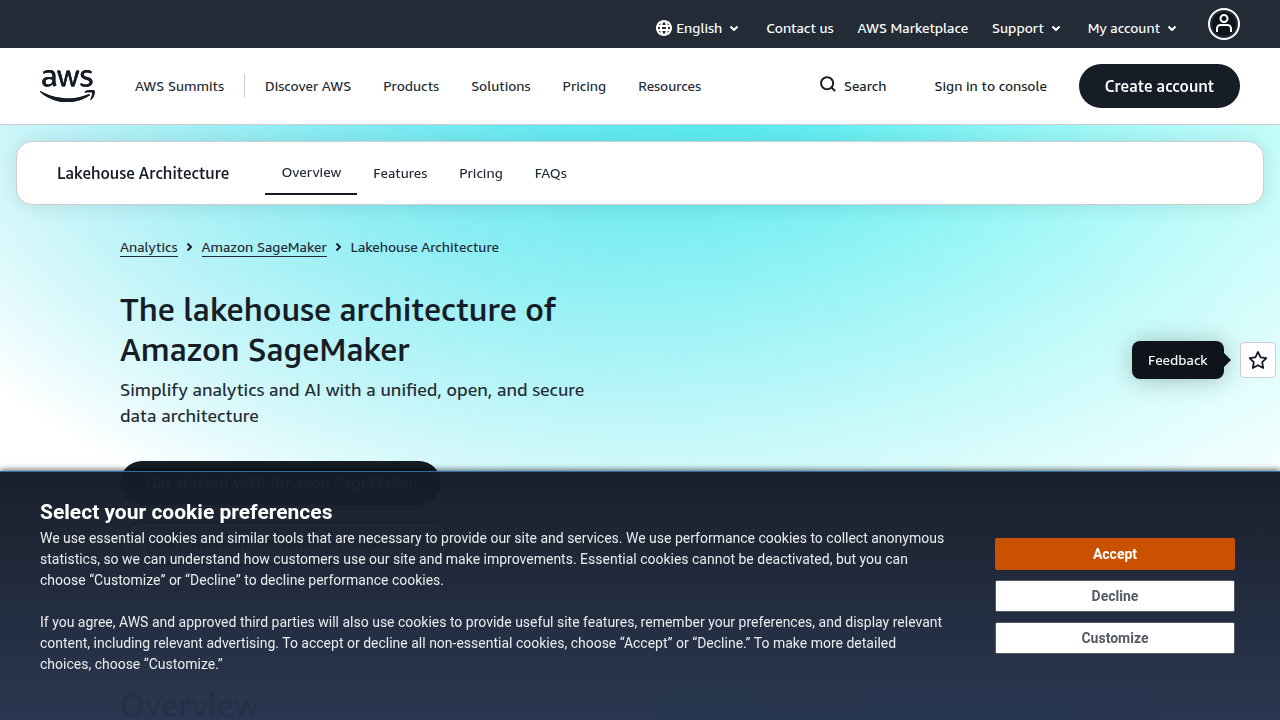
aws.amazon.com/sagemaker/lakehouse/. This means you can query data from both your data lake and your data warehouse in one place. No more duplication.
How does this help you day to day? SageMaker has built-in connectors for common sources. You can pull data directly from S3, Redshift, RDS, and Aurora using native integrations. A single blog post shows you can use SageMaker Lakehouse to achieve unified access across those systems aws.amazon.com/blogs/big-data/simplify-data-access-for-your-enterprise-using-amazon-sagemaker-lakehouse/. That makes feature engineering much simpler because you spend less time wrangling pipelines and more time building models.
What about hybrid setups? If you run workloads on-premises, you can use AWS DataSync or Direct Connect to bring data into SageMaker without lifting everything to the cloud. This is critical for enterprises that cannot fully migrate yet. You get the best of both worlds.
The data service center (your central data team) can also set up fine-grained access controls using Lake Formation. Everyone stays compliant.
If you are still evaluating how to structure your data ecosystem, our guide on enterprise AI adoption in 2026 gives you a framework for connecting the dots.
Getting your data ecosystem right frees up time for actual data science jobs and model development. To keep learning about the latest tools that help you do that, consider subscribing to The Deep View Newsletter. It delivers clear daily AI updates straight to your inbox, so you never miss a shift in the landscape. Thousands of leaders already rely on it. Check it out here.
Best Practices for Building Robust Feature Engineering Workflows
Once your data ecosystem is connected, the real work begins. Feature engineering is where raw data becomes the fuel for your models. Get it wrong, and even the best aws sagemaker pipeline will struggle. Get it right, and your data science jobs become much easier.
Here are three best practices to keep your feature engineering workflows robust and scalable.
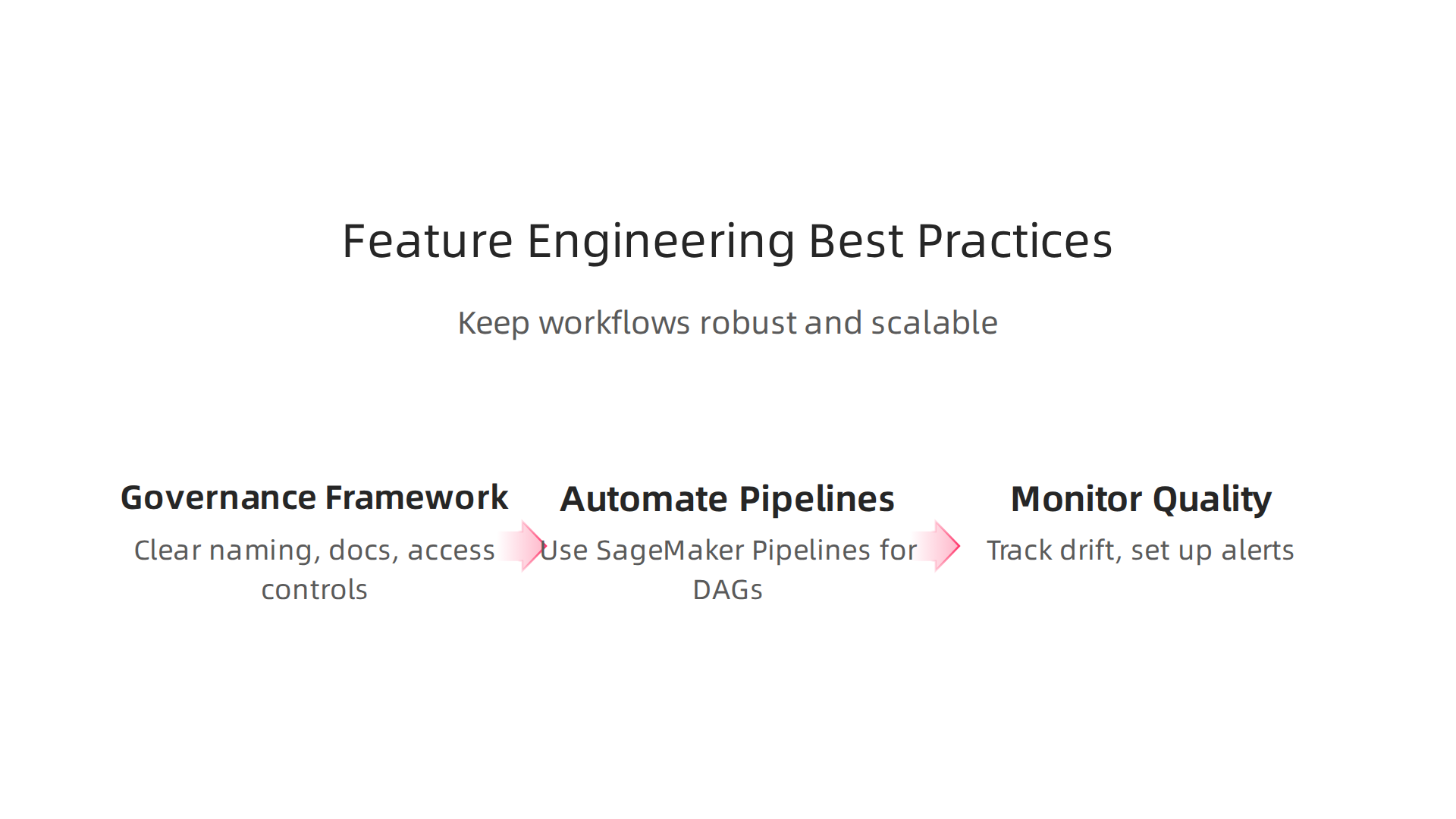
1. Start with a feature governance framework
You need clear naming conventions, thorough documentation, and tight access controls. Amazon SageMaker Feature Store is built for this. It gives you transparent data lineage, auditability, and role based access control (RBAC). The Feature Store also includes built in governance controls that track every change. That means your data service center can enforce policies without slowing down your data scientists. Use this to avoid confusion when multiple teams reuse the same features.
2. Automate feature engineering with SageMaker Pipelines
Don’t rely on manual scripts. Use SageMaker Pipelines to build your feature engineering steps as directed acyclic graphs (DAGs). Pipelines handle retries and monitoring automatically. Tools like Data Wrangler and Processing Jobs let you create custom transformations and scale them easily. This makes your workflows repeatable and reduces errors. Your team can focus on building better features instead of fixing broken pipelines.
3. Monitor feature quality and drift over time
Features that work today may not work tomorrow. Data drift can silently degrade your models. Use SageMaker Model Monitor to track feature distributions and spot drift early. Set up alerts so your team can investigate and refresh features before accuracy drops. This proactive approach saves hours of debugging later.
For a deeper look at how to collect the raw data that feeds these pipelines, read our guide on data collection methods for enterprise AI in 2026.
Following these practices will help you turn messy data into reliable, production ready features. And to keep your skills sharp and stay ahead of the latest AI tools, subscribe to The Deep View Newsletter. It delivers clear daily AI updates straight to your inbox. Check it out here.
Monitoring and Governance for Feature Stores
Building features is only half the battle. You also need to keep a close eye on how your feature store is used over time. Without proper monitoring, your feature engineering pipeline can become a black box. That leads to wasted compute, stale data, and compliance risks.

Amazon SageMaker Feature Store includes built in monitoring tools that help you track feature usage, staleness, and data quality. You can see which features are popular and which ones are rarely used. That information helps your data service center decide where to focus cleanup efforts. It also helps you spot features that have gone bad due to data drift before they hurt your model.
On the governance side, role based access control (RBAC) is essential. Amazon SageMaker Feature Store integrates with AWS IAM to let you control who can read, write, or delete features. That is critical for staying compliant with regulations like HIPAA or SOC 2. A good rule of thumb is to give each team only the permissions they need and nothing more. For deeper guidance on managing your ML team structure, read our article on enterprise AI adoption in 2026.
Finally, turn on AWS CloudTrail integration. Every change to your feature definitions, metadata, and access patterns gets logged. This creates an audit trail you can review if something goes wrong. It also makes it easier to answer questions from auditors.
To stay ahead of the latest AI governance trends, consider a daily source of clear updates. The Deep View Newsletter delivers concise insights on tools like SageMaker and feature stores. Check it out here.
Summary
This article explains why AWS SageMaker is a key platform for enterprise data science, arguing that the hardest part of ML is preparing and managing features rather than writing models. It walks through SageMaker’s core tools—Studio, Pipelines, Autopilot, Data Wrangler, Processing Jobs—and highlights the Feature Store as a central, versioned repository that serves both training and real‑time inference. You’ll learn how Autopilot automates feature discovery while preserving explainability, how Processing Jobs and spot instances scale ETL affordably, and how SageMaker Lakehouse and native connectors simplify integration with S3, Redshift, and on‑prem systems. The guide also covers governance best practices—naming conventions, RBAC, lineage, and monitoring for drift—so teams can build repeatable, auditable pipelines. By the end you’ll understand where SageMaker speeds time to production, what gaps to watch for, and practical steps to build a robust feature engineering workflow for enterprise AI.